NEW! Gesture Based Special Abilities and Multi-Phase Transitions for my ProffieOS7 Early Access Style Library
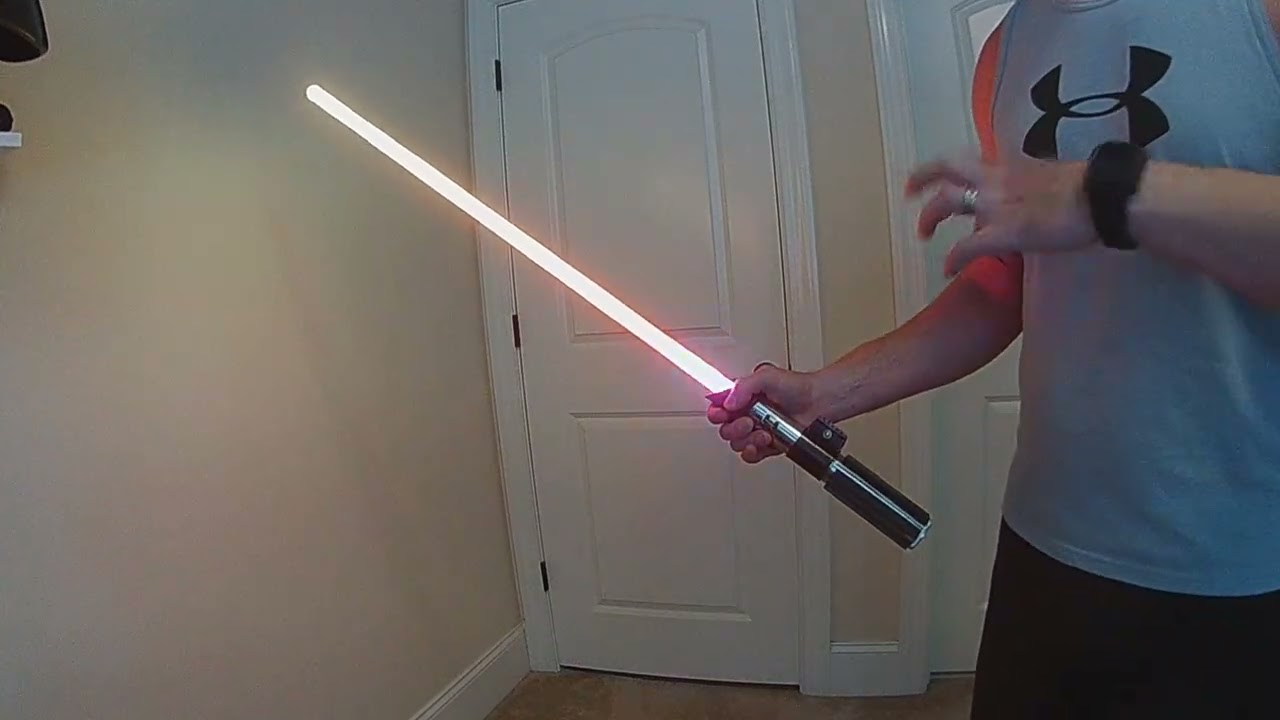
I’m super excited to announce several amazing new capabilities on my Early Access Style Library. These have been a long time coming and are a huge leap forward in interactive customization for your Proffieboard.
#1 - Gesture Based Special Abilities Multi-Phase Builder
This new Multi-Phase style options combines Alt Font capabilities with all new gesture combinations to give you the ultimate customization experience.
Now you can set and trigger up to 10 Phases in a single blade and call each Phase independently via an ever-growing list of new gesture and control combinations.
You can also customize how your Phase change acts; either as an individually timed effect, after a set number of actions (i.e. clashes, swings, blasts, etc) or with a unique control to return to your default phase.
Think of these like the Special Moves in a fighting video game, where you can set the effect and how you call it specifically to how you want.
In a battle, you can now call a power up or all new blade style with a special move.
At launch I have over 20 new gesture/effect combinations you can choose from
- Point Up & Hold (ms) - set a specific amount of time in ms, when you point up your blade and hold it in that position you can trigger a new Phase.
- Point Down & Hold (ms) - set a specific amount of time in ms, point your blade down to lull your opponent into a false sense of security and trigger a new Phase to launch an attack.
- Hold Parallel (ms) - hold you blade parallel to the ground in a defensive position and have it trigger a new Phases
- Point Up then Swing - point your blade up, then unleash a quick swing downward to trigger a specific Phases (can also set as an OFF behavior with or without an Auto Ignite on the trigger)
- Point Down then Swing - point your blade down, then unleash a quick swing upward (can also set as an OFF behavior with or without an Auto Ignite on the trigger)
- Point Up then Quick Turn - the “Quick Turn” is a new gesture, unlike Twist this is a single quick 1/4 of the hilt in either direction. For this gesture you’ll point your blade up then do a quick turn to trigger. (can also set as an OFF behavior with or without an Auto Ignite on the trigger)
- Point Down then Quick Turn - point your blade down then do a quick 1/4 turn of your hilt. (can also set as an OFF behavior with or without an Auto Ignite on the trigger)
- Hold Parallel & Quick Turn - hold your blade parallel then do a quick 1/4 turn of your hilt. (can also set as an OFF behavior with or without an Auto Ignite on the trigger)
- Swing (X times) - do X number of hard swings to trigger a phase (or set to return to the default Phase so any phase change will revert after X # of swings).
- Clash / Lockup (X times) - after X number of clashes or lockups you can trigger a specific phase (or set to return to the default Phase so any phase change will revert after X # of clashes/lockups)
- Blast (X times) - after X number of Blast deflections you can trigger a specific phase (or set to return to the default Phase so any phase change will revert after X # of blast deflections)
- Point Up (X times) - point your blade up X number of times (return to parallel between each act) to trigger a phase change or revert to default phase
- Point Down (X times) - point your blade down X number of times (return to parallel between each act) to trigger a phase change or revert to default phase
- Quick Turn (X times) - do X number of quick 1/4 turns of the hilt to trigger a phase or revert to default
- Ignite (Pointing Up) - trigger a specific phase by pointing your saber up before (and during) ignition
- Ignite (Pointing Down) - trigger a specific phase by pointing your saber down before (and during) ignition
- Ignite (Holding Parallel) - trigger a specific phase by holding your blade parallel to the ground before (and during) ignition
- Clash (while OFF) - clash your saber while OFF to trigger a specific phase (can also be set to Auto Ignite on the trigger)
- Quote Effect - trigger a phase change anytime you do the Quote Effect
- Force Effect - trigger a phase change anytime you do the Force Effect
- Stab Effect (Pointing Up) - trigger a phase change anytime you stab up with your blade
- Stab Effect (Pointing Down) - trigger a phase change anytime you stab down with your blade
You can also mix and match Gesture and Effect Phase changing with the existing Special Abilities to give individual access to every Phase - Special Ability 1 ~ 8 (5 ~ 8 can also be set to Auto Ignite if used)
#2 - NEW! Multi-Phase Transitions (*only for Special Ability options)
In addition to setting unique gestures and controls for each Phase you can also set the Phase Transition independently for each Phase.
By setting “Multi-Phase Transitions” for Phase Change, you can select from any available transition to run specific to each Phase so when you trigger a Phase you can have its transition be completely unique.
For example, if you have a Trigger for “Point Up & Hold” you can set that Phase Transition to a Wipe In or Ripple Down effect to look like you’re summoning a power from the sky or set a Cycle Up Phase transition when you Hold you Blade parallel for a cool anime power up.
The combinations and unique transitions are nearly limitless.
And this is just the beginning, I have several more new gesture combos in development and will continue to expand the capabilities over the months to come.
NOTE: these new features require Alt Font (altNNN) set up in your font as well my prop with the FETT263_SPECIAL ABILITIES define in your config to run.
Since these are style based controls the library will produce very specific instructions at the top of each style, keep this information intact in your config to ensure proper set up and use of the new features.
The style information has no impact on memory but will be necessary to make sure you can use the style properly or for any troubleshooting needed.
Be sure to watch the recommended videos at the top of the Early Access library to learn more.
Be sure to join my Early Access Style Library to get all of these new features (and more) and make all your friends jealous of the things you can now do with your Proffieboard saber.
ENJOY!