How do I try it?
If you’re new to ProffieConfig betas, it’s easy.
With the latest stable version installed, just go to “File”->“Update Channel…” from the main window, and change it to “beta,” click “Save,” and restart ProffieConfig.
What’s new (that’s exciting)?
Admittedly, the “V2” moniker is a little misleading. In reality, what is considered “V2” has, in the code backend, largely been implemented since around V1.7, and more has been ported over time. At this point it’s pretty much all there… and then some.
That said, this release is a little more than just a little bugfix update, enough that it’s going into beta first, and hopefully I can get a couple people to test it.
An updated/refined main window
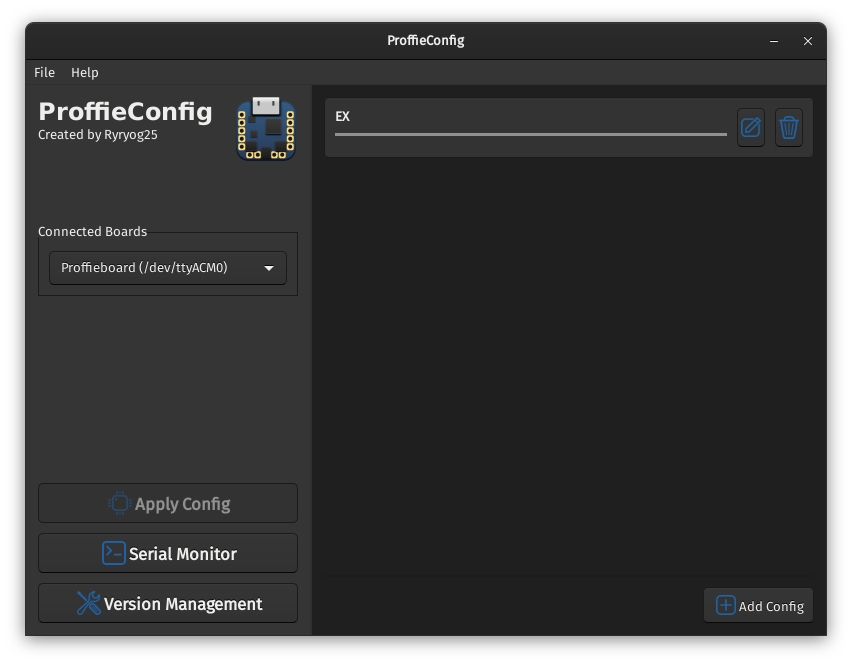
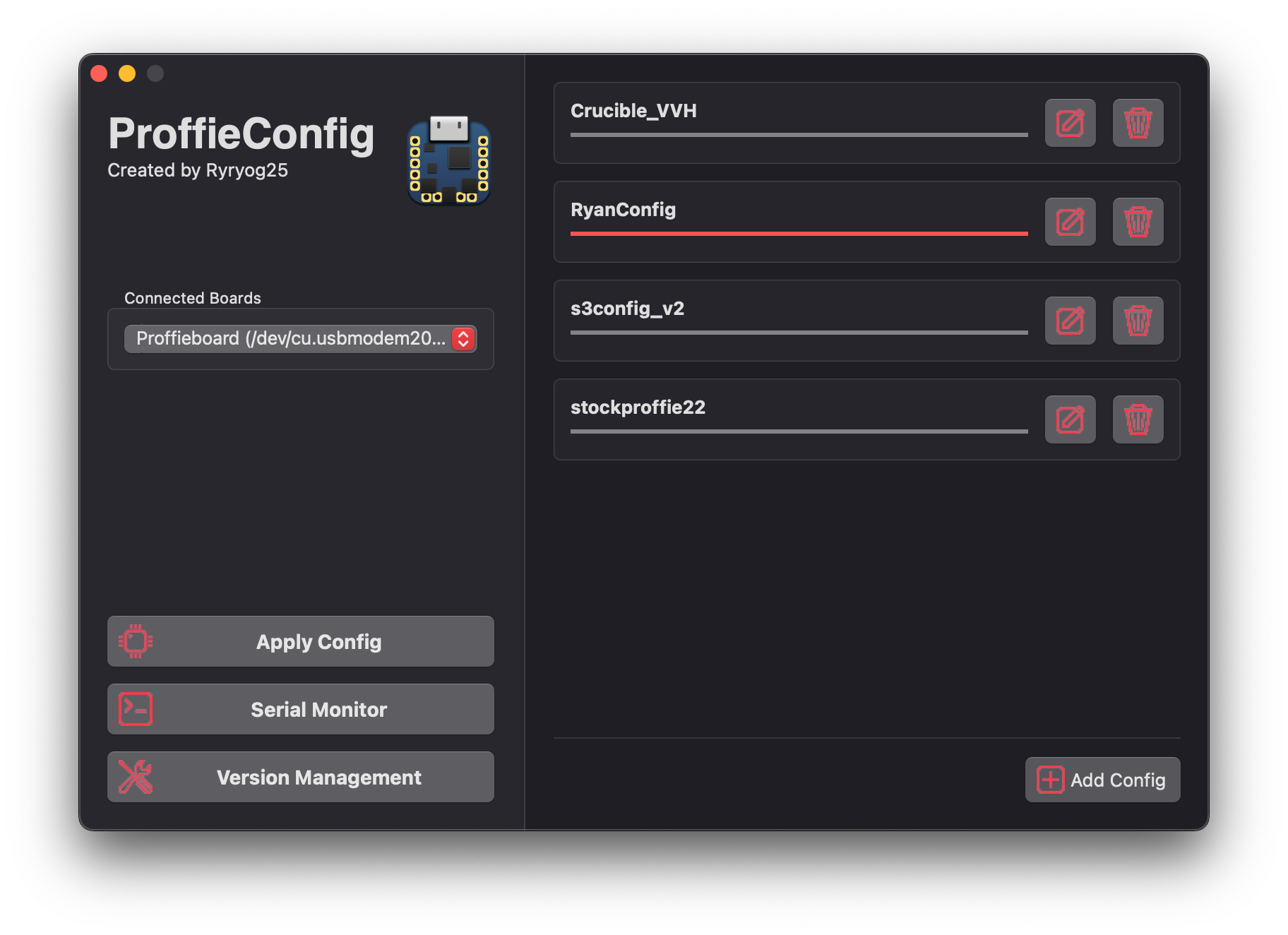
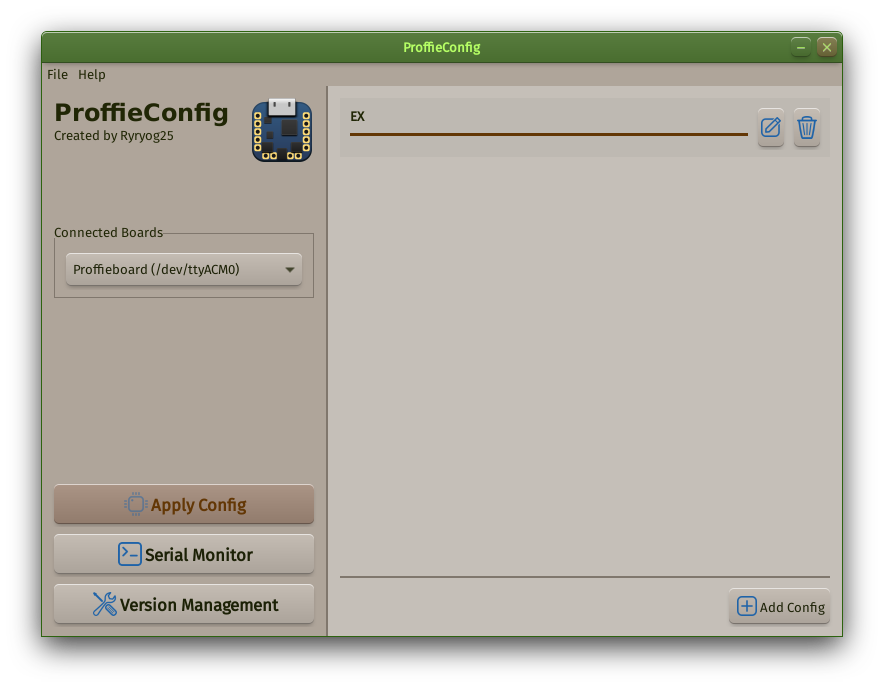
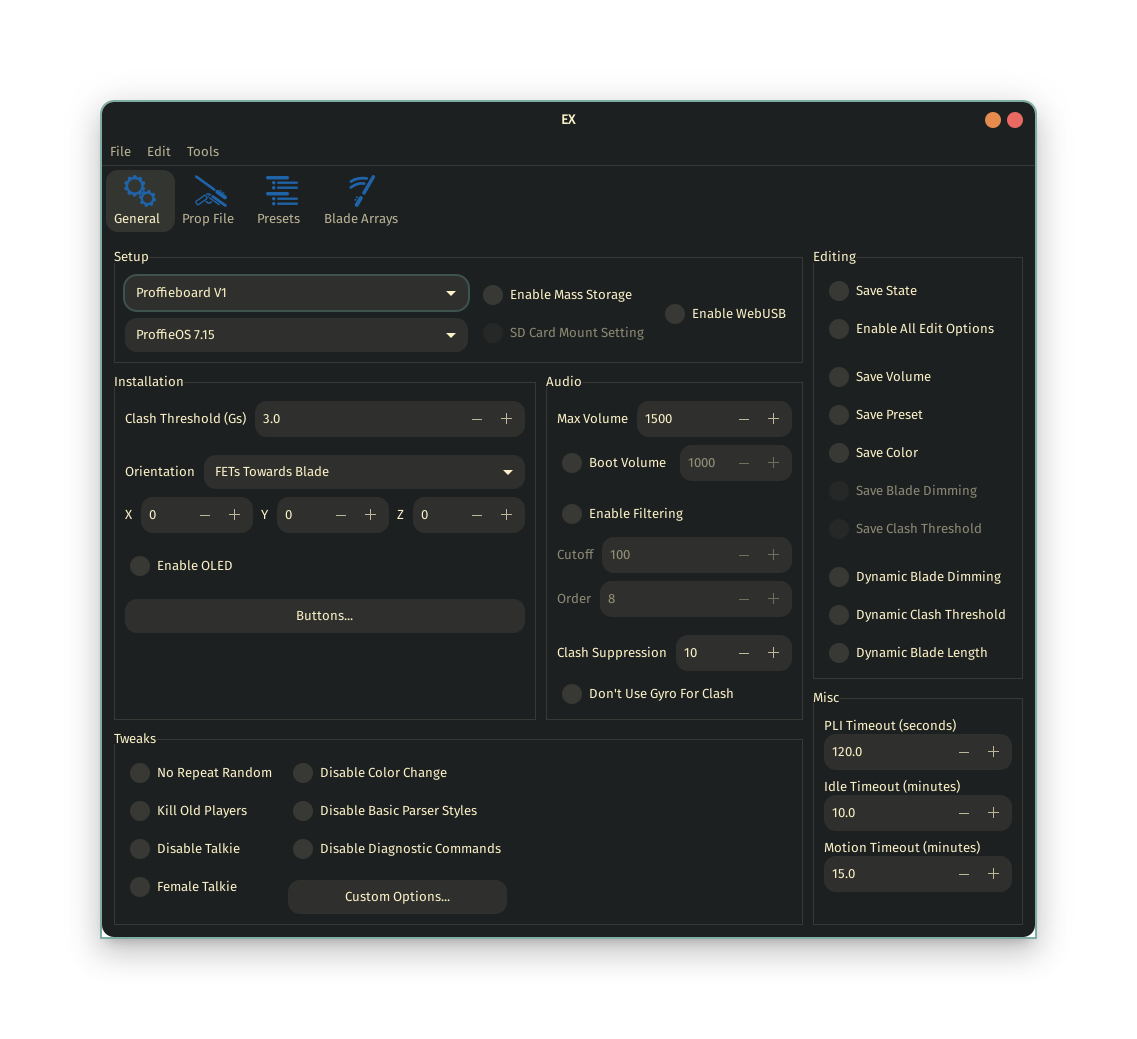
The main window of ProffieConfig has always bothered me a little. If you recall in the beginning, the board selection, and apply button was all in the editor window. In fact, all there was was an editor window!
This carried over whenever things were broken out, and the main window became this kind of awkward little window.
Now, the window is given some room to breathe, to make the configs easier to see, and more obvious that multiple can be opened at a time.
In addition, it gives an opportunity for some of the icons I made for V2 to see the light of day, in the bottom left there. (And a new one for versions management). I know icons are boring, but they’ve been something I’ve wanted to get into the UI for… longer than I’d like to think about at this point 
There’s more than new looks to the main window
You may notice, the annoying and ugly “Refresh” button next to the board drop down is missing. It’s been superseded by another bit of functionality that I’ve wanted to add for a while:
Automatic board refreshing! Writing native code for it and ditching arduino-cli’s nonsense means the list automatically updates whenever a board is plugged/unplugged. When a board is plugged in (if there isn’t one selected already), it automatically gets selected too, as a little QoL change.
This extra code doesn’t just allow automatic refresh though
Bootloader presence is detected and shown in the main window
This is another relatively simple but what I believe to be an impactful QoL change.
On macOS and Linux, it’s not very easy to tell when a board in bootloader mode is connected, and it’s annoying at best on Windows. So now you can tell just by glancing in ProffieConfig whether the board actually rebooted into bootloader mode.
For people new to proffie, especially, who aren’t familiar with how to press the boot and reset buttons, having this plainly indicated (or rather lack thereof) has been a sticking point as I’ve helped quite a few people.
New “find” dialog for searching bladestyles
And potentially expanding to other things in the future.
ProffieConfig, trying to be a GUI for a C header file, at the end of the day, is inherently limited by the lesser flexibility compared to simply editing a text file, and I’d like to try to bridge one of the more painful gaps I’ve found.
Whenever there’s a compilation error (one that ProffieConfig doesn’t recognize and provide a helpful message for beforehand), it’s almost always something in a bladestyle. So now, whenever an error occurs, the extended error dialog stays with you while the editor is interactive again, and you can search for whatever caused the compile error.
Admittedly, it takes some know-how to know that you should be looking, but ProffieConfig is trying to be useful to more than just beginners, so hopefully that helps.
What else?
Oh, yeah, there’s an experimental release for Linux w/ an AppImage. Testing for it I’m particularly curious about. Assuming you have AppImageLauncher (or some other software that handled the appimage daemon, though I’m not familiar with others), when it’s installed it should get a pretty listing w/ a desktop file. E.g. in search in GNOME or the menu in KDE. I believe I can also add a menu entry for running uninstallation there… though I haven’t looked yet.
That AppImage can be downloaded here:
https://proffieconfig.kafrenetrading.com/assets/releases/ProffieConfig_Launcher-amd64-1.0.14.AppImage
If I get feedback that it seems to be working, I’ll put it on the download page proper.
Remarks
As always, I appreciate feedback. I trust someone will always be able to find something broken that I either missed, or that doesn’t occur on my computers. Once I know something’s broken, it has a fairly high chance of getting fixed
Comments, questions, concerns and the like are appreciated too!