yes i have taken the battery out and i havent put it in wrong since i always check if it is going in correctly
alright so that light i was talking about still lights up even without the battery present
That’s from the charging terminal getting power.
Does the light ever turn green after charging it for a while?
The battery I mean.
yes but i havent tried charging it fully after this issue if you want i could charge it but it may take a few hours
Try fully charging it and see if you can clearly hear the error message.
it has charged for 2 hours and theres no change to the error message the only thing i can make of it still being sd card function at the end of the message but i think the first part of the message could be wandering function? i dont know but it sounds like “wandering function”
Sorry to hear.
In that case, do you ALWAYS remove the battery before you remove the SD-Card ?
If not, that, most probably, will corrupt your SD-Card! Only saying because I bought a saber without a kill switch and my SD-Card did get corrupted.
What version of ProffieOS are you running ?
Maybe plug into computer with battery turned on and go into Arduino > Tools > Serial Monitor to see what the Serial Monitor outputs for Battery and error messages.
You can also type ‘n’ to switch presets and trigger the font/SD error to print out.
i had a gut feeling thankfully i always did that
The proffie os im running is 6.5
if we are getting into details my saber is from thesabercompany
so wait plug the proffieboard into the computer while its charging? (it doesnt turn on if its not plugged in)
Plug it in like you would for updating. If you have a killswitch turn the saber on to get battery readings.
the instant i loaded into arduino the speaker went in a crackly fashion “Battery at critical leves”
what band would i go onto?
Not sure I understand the question.
alright i plugged my charger into my core and the saber is working normally but its not charging
Seems like there’s an issue with the charging port. I would charge your battery externally if you can remove to be sure its fully charged.
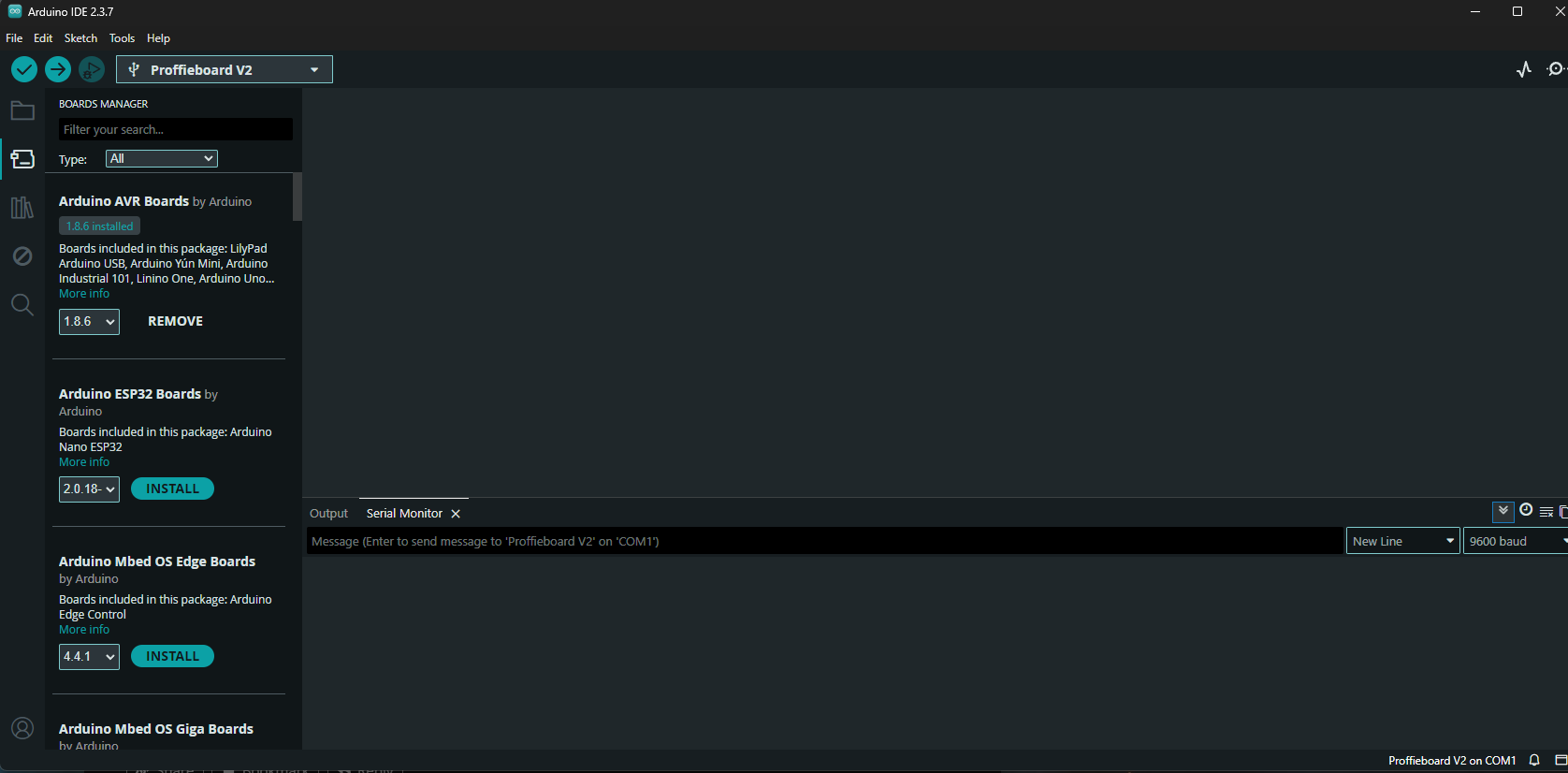
alright this is so strange it appears to be only charging while the board itself is plugged into my computer
right now the saber turns on regularly, this is so strange
Seems like an issue with the charging port, you may need to reach out to your installer.