If you’re new to the Config Helper Tool, please read the original post here to learn more about optimization and other features:
V4 of the Tool now supports ProffieOS8 configs as well as several updates and improvements. If you’ve built configs using previous version you can update by changing OS Version option at the top to “ProffieOS8.x” and it will allow for the new defines and settings to be selected.
Support for primary new OS8 defines for the Base OS and my Prop
NEW! Alternate Prop support
This tool is designed to support default (basic prop) and my prop but I have added an Alternate Prop selection for users who want to use one of the other props in OS8
The tool does not have the defines or controls for the alternate props available so you will need to refer to the top of the prop.h files to get the necessary defines and review the controls
There is a new Custom Define box at the bottom of the define selection that allows you to manually input any/all defines for Alternate Props as well as other obscure or lesser used defines not covered by the tool
New! Custom Define inputs
To support Alternative Props as well as other defines I have added a Custom Define input box for users to manually input defines not covered by the tool
I have added most of the defines that users will need or encounter, however, over the versions there are some obscure and very niche defines that are missing. If you are unable to find an option for a specific define in the tool you can manually input in the Custom Define box.
NOTE: this is only for #define statements that will be appended to the CONFIG_TOP section of your config, if you put other code or styles you will get a compile error as thistool does not verify or check the Custom Define values. See here for all main OS defines: ProffieOS Documentation: The CONFIG_TOP section
Refer to specific prop files for their individual defines if you’re using an Alternate Prop
This tool cannot verify Alternate Prop defines, if you have questions on Alternate Props I would recommend asking the Prop Maker.
Perhaps I’m missing something from the instructions, but when I used the configuration helper to generate my full configuration it didn’t add the actual “using functions.” Is that expected behavior? I’m pretty excited by the styles I built but don’t know how to apply them!
When you enable Using Functions they will be added at very bottom of the config in the CONFIG_STYLES section.
To add Using Functions to a preset you simply select the Using Function name from the dropdown instead of ‘Use Below Style’, (they first have to be added to Using Function list). This will add the Using Name as a style to the preset.
The videos at the top of the tool will cover if you haven’t watched yet.
I was able to write in the function definitions myself and get my config and the OS to compile and load onto my board. I will try some additional troubleshooting, but for some reason the config the helper generated for me didn’t have the CONFIG_STYLES section in it at all, even though I did have the box checked for using functions and have the proper styles selected through the dropdown in the presets section.
If I can replicate the issue I’ll send some screenshots.
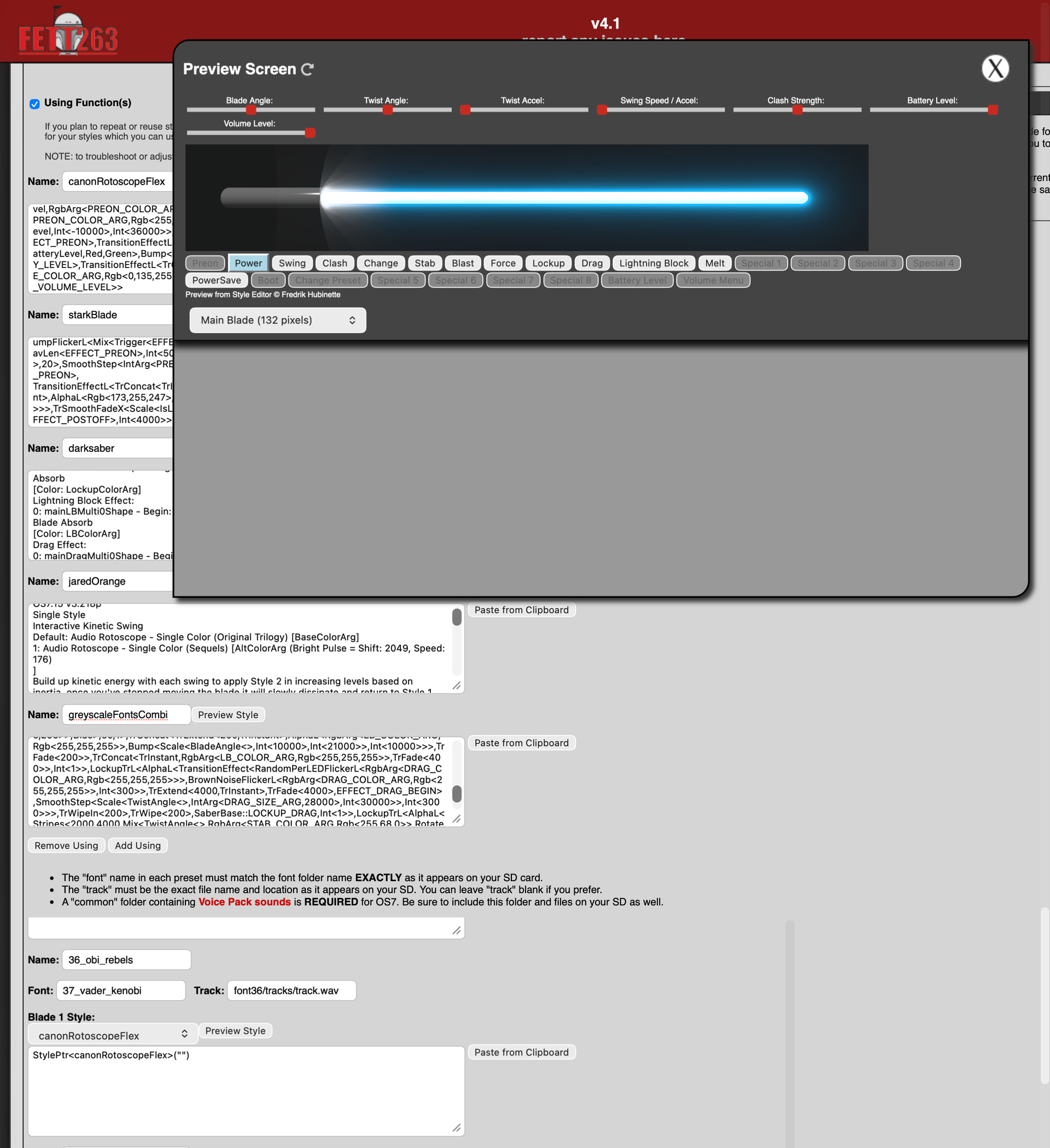
Another question for you – where I have Using Functions set up, even styles with style arguments, the Preview Style button alongside the individual presets doesn’t show the editable arguments. Any idea why that might be?
where I have Using Functions set up, even styles with style arguments, the Preview Style button alongside the individual presets doesn’t show the editable arguments. Any idea why that might be?
Disregard – I had to disable content blockers in my browser. I suspect there was some JS being blocked in the modal/pop-up box.
FYI to anyone using Safari and StopTheMadness; you’ll want to make sure to disable any content blockers on Fett263’s website
Another note for anyone like me whose “Style Preview” dialog doesn’t automatically add the proper parameters to the argstring in the preset style box as you make changes: if you are copying+pasting from the style preview dialog into the argstring, DO NOT include the builtin 0 1 string; these are spurious and will stop your presets working properly