Hi all,
I’ve had some trouble with ProffieOS workbench. In my case it wasn’t really stable at all. I had a lot of connection issues and I’ve had some problems with the, lets call it: “user feedback” of the site.
What i mean: visual button hovers or visual button clicks etc.
This is why I decided to fork the original repo and create my own version of it. It’s still a work in progress, but I tried to keep the functionality and look-and-feel of the new app as close as possible to the original.
It’s build in C# as a blazor web assembly application.
In my case I’ve seen an improvement of USB connection stability with this version and I wanted to share it with you guys.
It’s accessible via: ProffieOS Workbench.
Since I don’t own a BT enabled Proffieboard, I could use the help with testing. I’d also love to hear feedback.
EDIT:
I don’t know if the Workbench is ever used on mobile devices, but in this version the layout on a phone is a bit whacky. This is a known issue to me, and it’s on the backlog of things I want to fix (in case it’s used regularly).
1 Like
I’ll try to get on this for ya as soon as my Bluetooth Power Core hilt is back in my hands since I/We run EditMode and EditSettings. 
1 Like
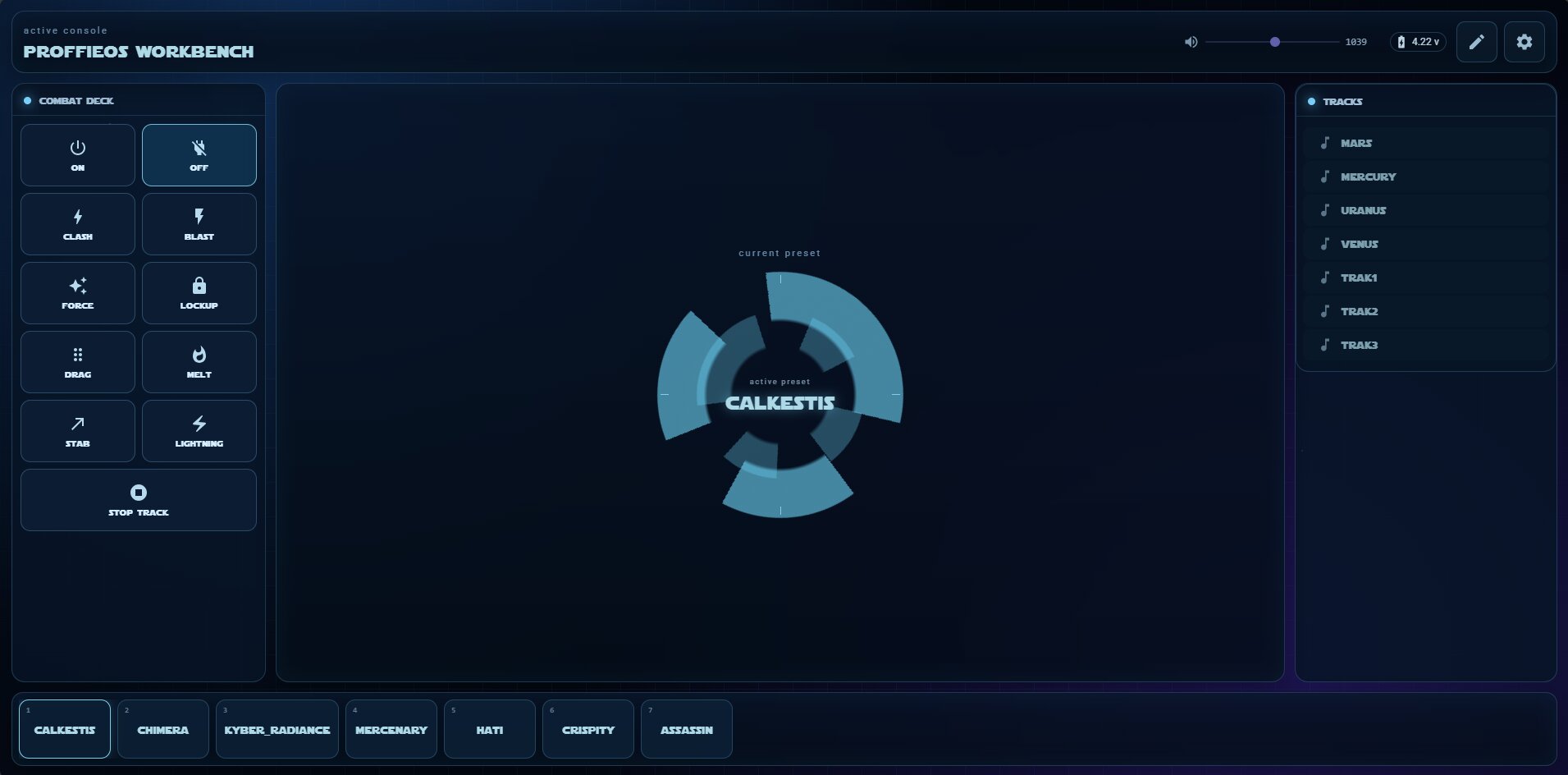
I’ve been trying to experiment a bit with different UI’s.
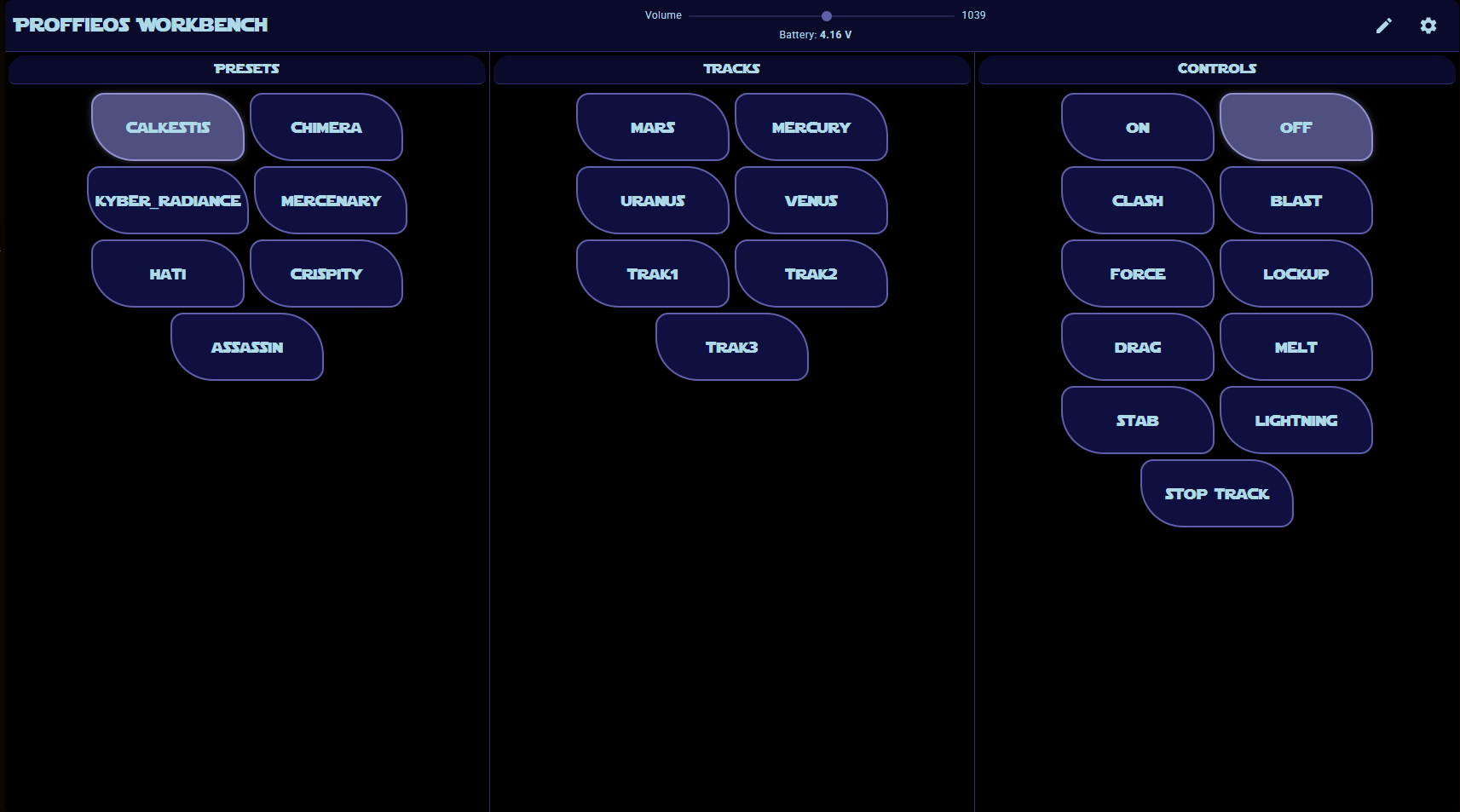
The first one is like this:
Which is, in a way, similar to the original version of the workbench.
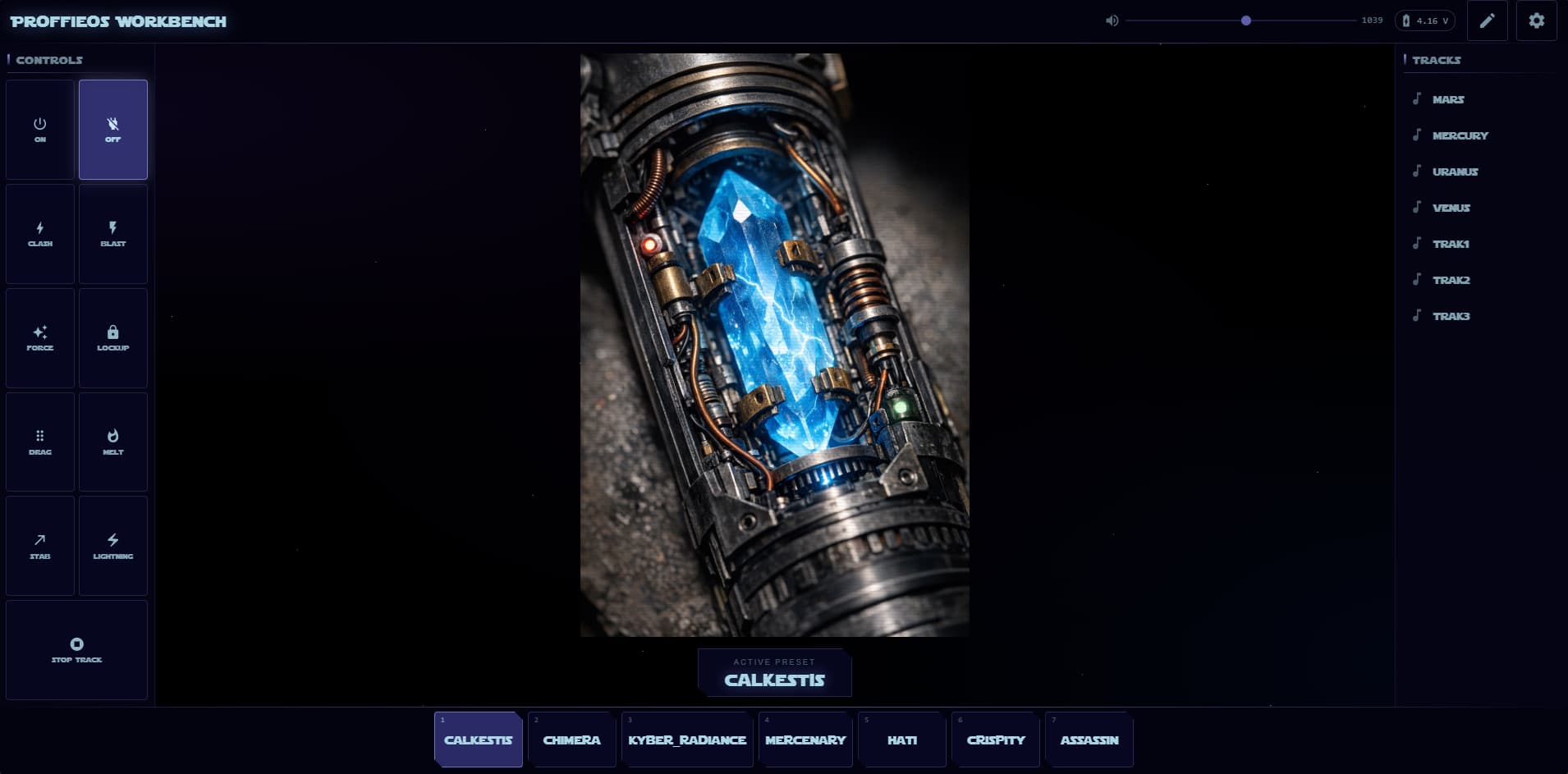
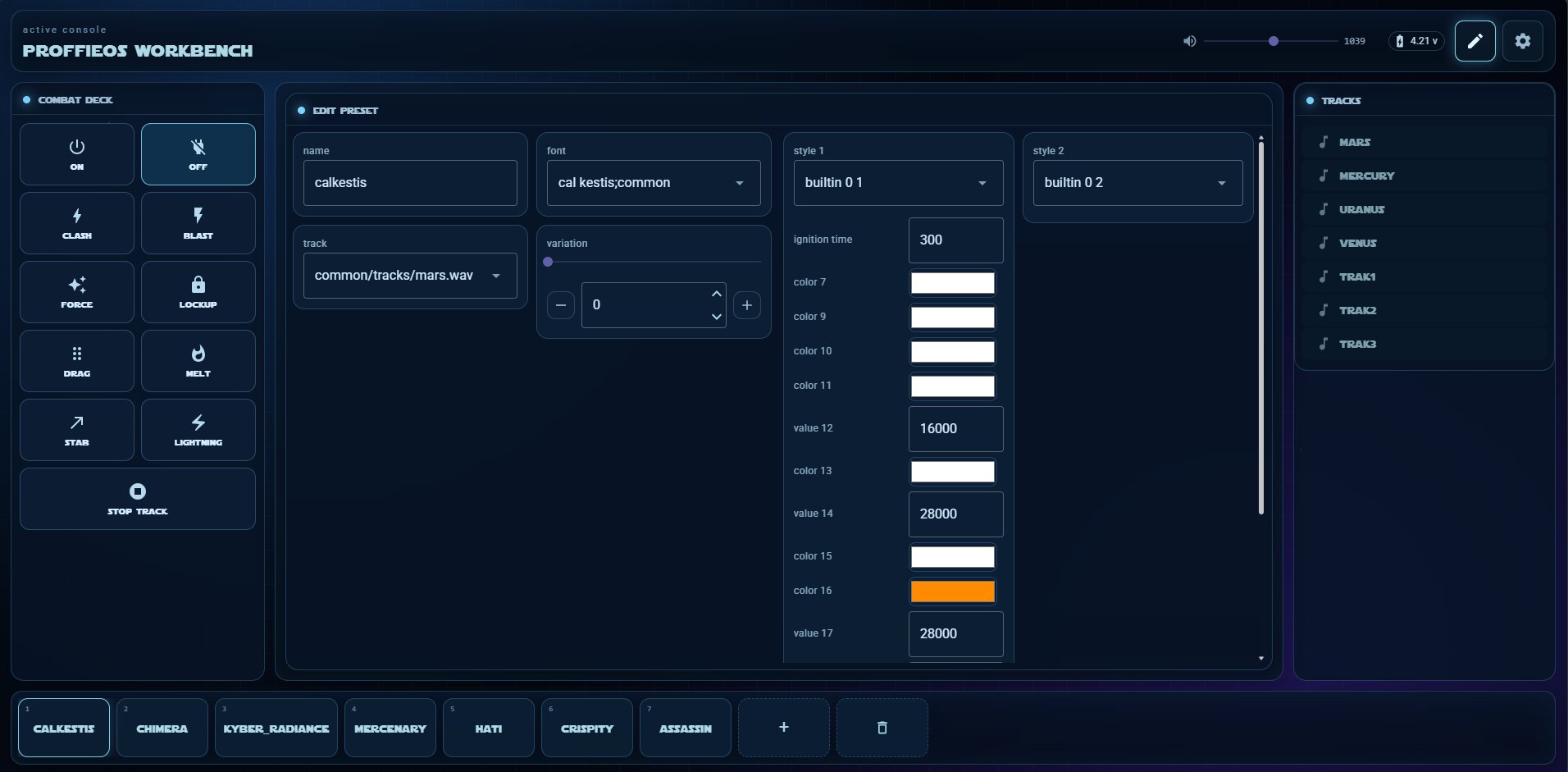
A second design I made:
I generated this image, and I was trying to get a similar feeling of the Xeno Configurator app. But then again, I’m a backend developer, not a frontend 
IMO, it’s getting somewhere, but the image is pretty random in this whole layout.
1 Like
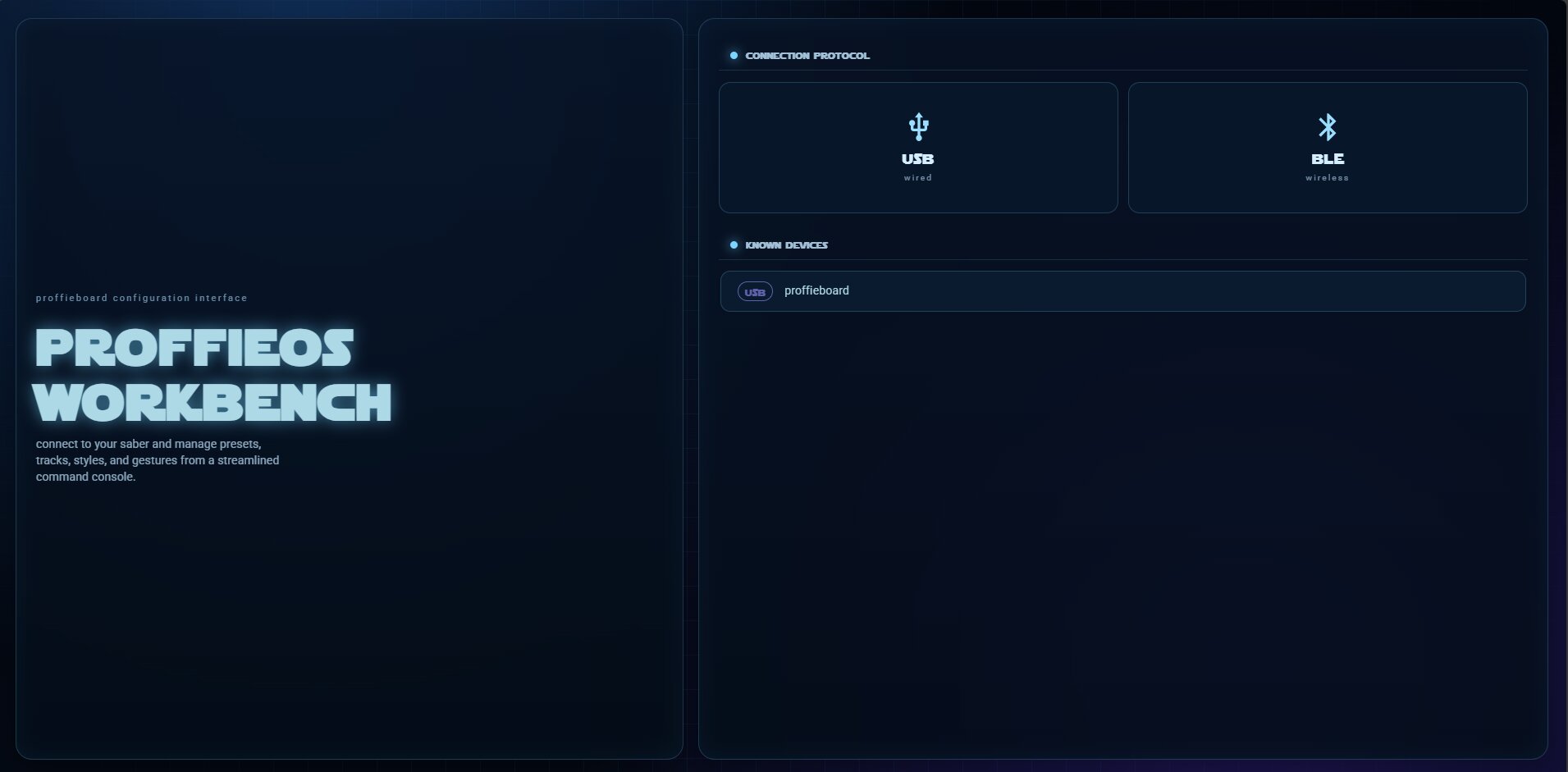
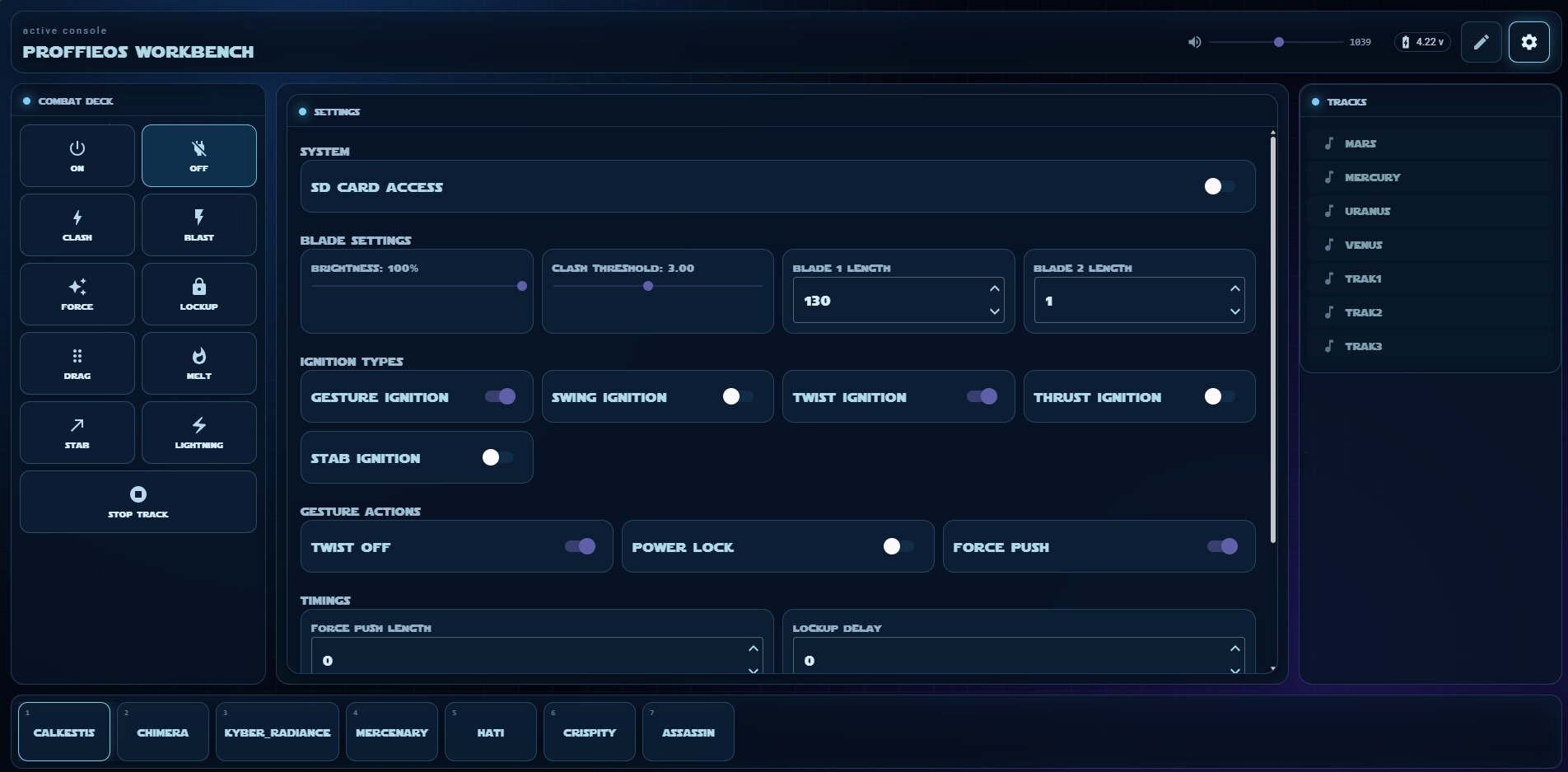
Latest design, and currently active on my Github
Design #3:
3 Likes
I noticed that when I update the project and deploy to GitHub, the browser caches the ‘old’ version. So a hard refresh is needed to get the latest version if you already opened the site once.
- Added some browser logging for connection status/issues.
- Fixed some USB connectivity issues.
- Attempted to fix an issue where the new version wasn’t loaded into the browser after deployment.
If anyone has a chance to give it a try, I’d really appreciate the feedback. Even just letting me know if something works (or doesn’t) on your setup helps a lot!
1 Like
It seems to work well with a usb connection, but I can’t seem to get it to find my bluetooth.
I would also recommend either making the drop down menus extend as long as the filenames or having a side scroll within each drop down menu.
Also I can’t seem to reach all of the effects because there seems to be a missing scroll there as well.
Hope this helps!
What screen resolution / screen size are you using? That would help with the edits
1 Like
Sorry, I just realized I was using 150% scaling and that was screwing with the scale.
The only place I can see that needs improvement UI-wise is adding a scroll bar on tracks.
I’ve deployed a new version.
Here I tried to fix all UI related issues that you mentioned.
I also tried to fix the discovery issue for BLE, but I don’t know if it’s fixed now.
If you don’t see any changes, please hard reload the page.
1 Like
The UI is working great!
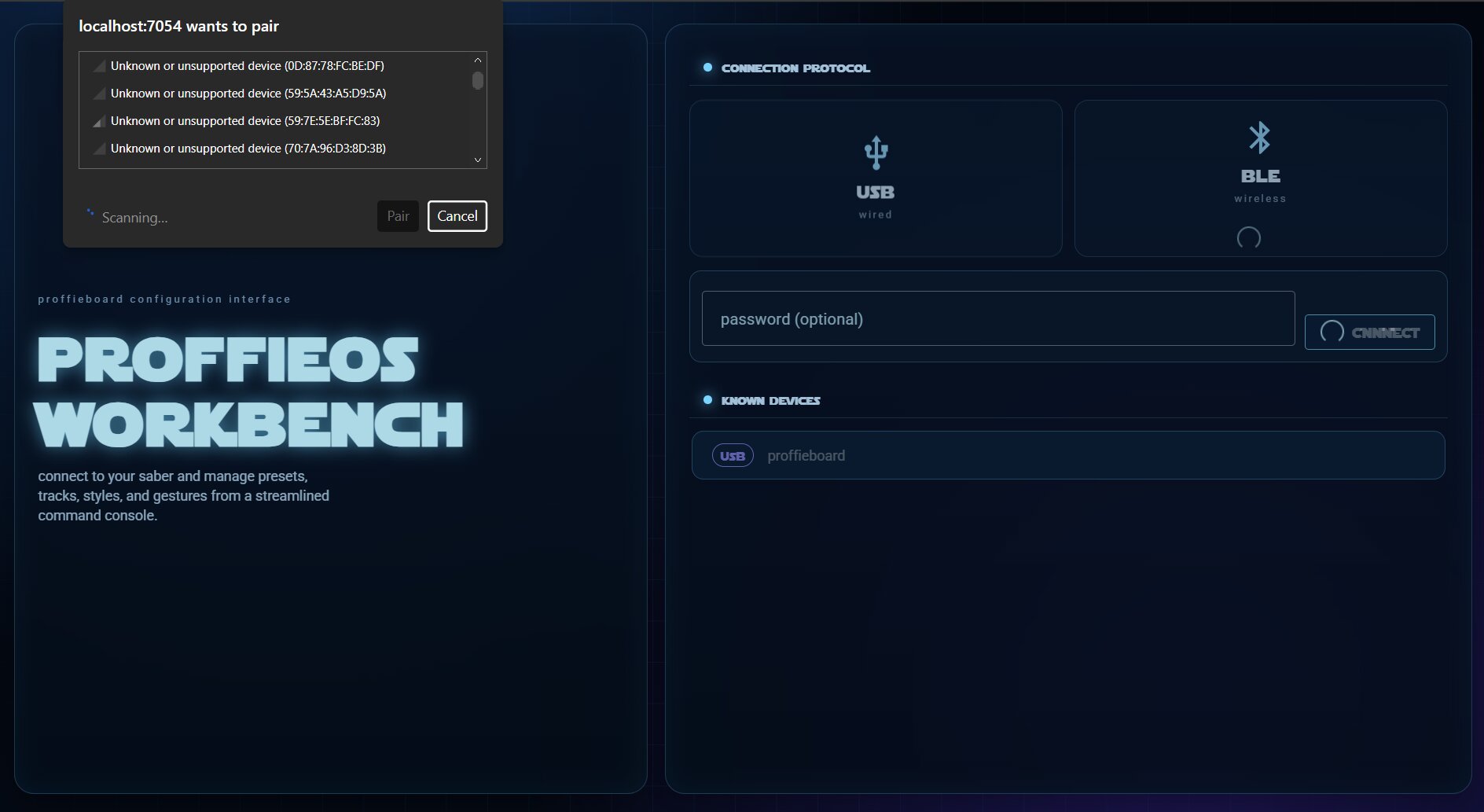
The bluetooth is still having discovery issues though.
I know that the original ProffieOS Workbench has a secondary window that pops up when you select BLE and lets you connect that doesn’t seem to be popping up for me.
I don’t know a lot about the subject but when clicking BLE it says that “filters.flatMap is not a function”
The fix i deployed now seems to work for me? But I don’t have a saber with BT, so I can’t get to a point beyond this:
Thank you for your time to test this! I appreciate it a lot.
1 Like
BLE connection failed: No matching BLE service found Error: No matching BLE service found at connectInternal (https://theunschut.github.io/ProffieOS-Workbench/js/bluetooth.js:98:29) at async Object.connect (https://theunschut.github.io/ProffieOS-Workbench/js/bluetooth.js:160:13) at async w.beginInvokeJSFromDotNet (https://theunschut.github.io/ProffieOS-Workbench/_framework/blazor.webassembly.66stpp682q.js:1:4181)
Is what’s popping up now.
It is trying though which is a pretty big step in my opinion.
I should clarify.
The browser is connecting to the board but it never gets past the loading stage.
I’ve pushed another ‘fix’. Looked more closely to the original app code
EDIT: ah right, I’ll investigate
I’ve deployed another version