Im doing my first install and wanted to make sure my Blade/LEDs section is correct for a basic Proffie V3 install with a 36 inch Neopixel blade. I’m guessing the Illuminated PCB option is something like a “Tri Cree”.
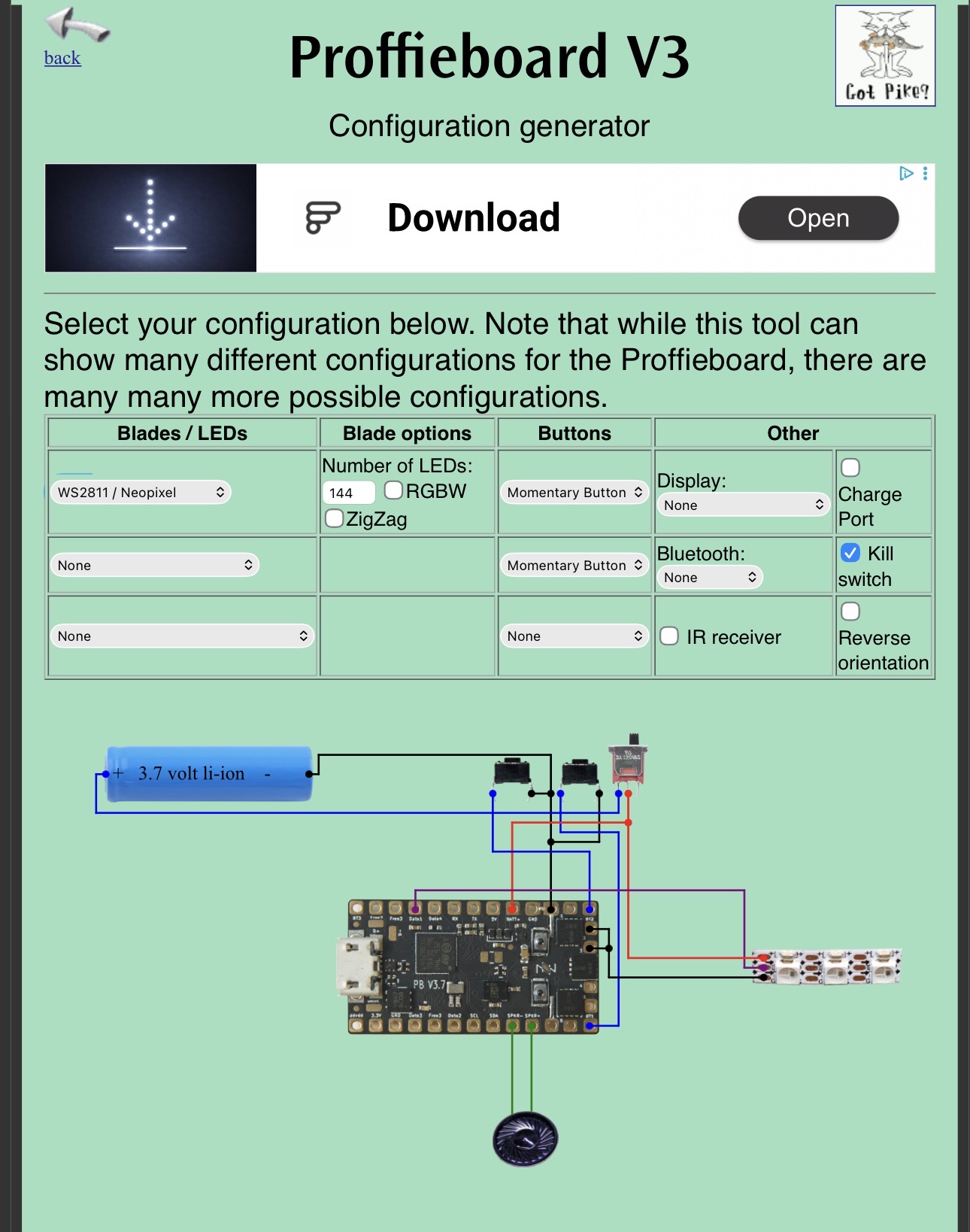
Nope, that is a hilt side PCB, usually with LEDs on it, to have some lights from the emitter when no blade is inserted.
Oh gotcha. So do you recommend I stick with the illuminated PCB option? The blade plug does allow shine through.
There are 3 options:
- fixed blade with direct wiring between blade and Proffieboard (no PCB in blade or hilt). I don’t know why somebody would choose that ?
- removable blade with a JST type connector between hilt and blade (It’s easier than installing with blade & hilt side PCB)
- removable blade with PCBs (one on the blade and one on the hilt)
Personally yes, but it depends on your skill level (soldering/craftsmanship).
Oh I see. Pretty sure I have a Shtok V3 hiltside pcb that came with my install kit. It’s just a basic Geonobi from Saberbay with a Proffie 3.9 board.
So does your hiltside PCB has LEDs ? I think Shtok V3 has 2 “rings” of LEDs (inner and outer ring). The configuration tool will give you a config for 2 rings if you select illuminated PCB.
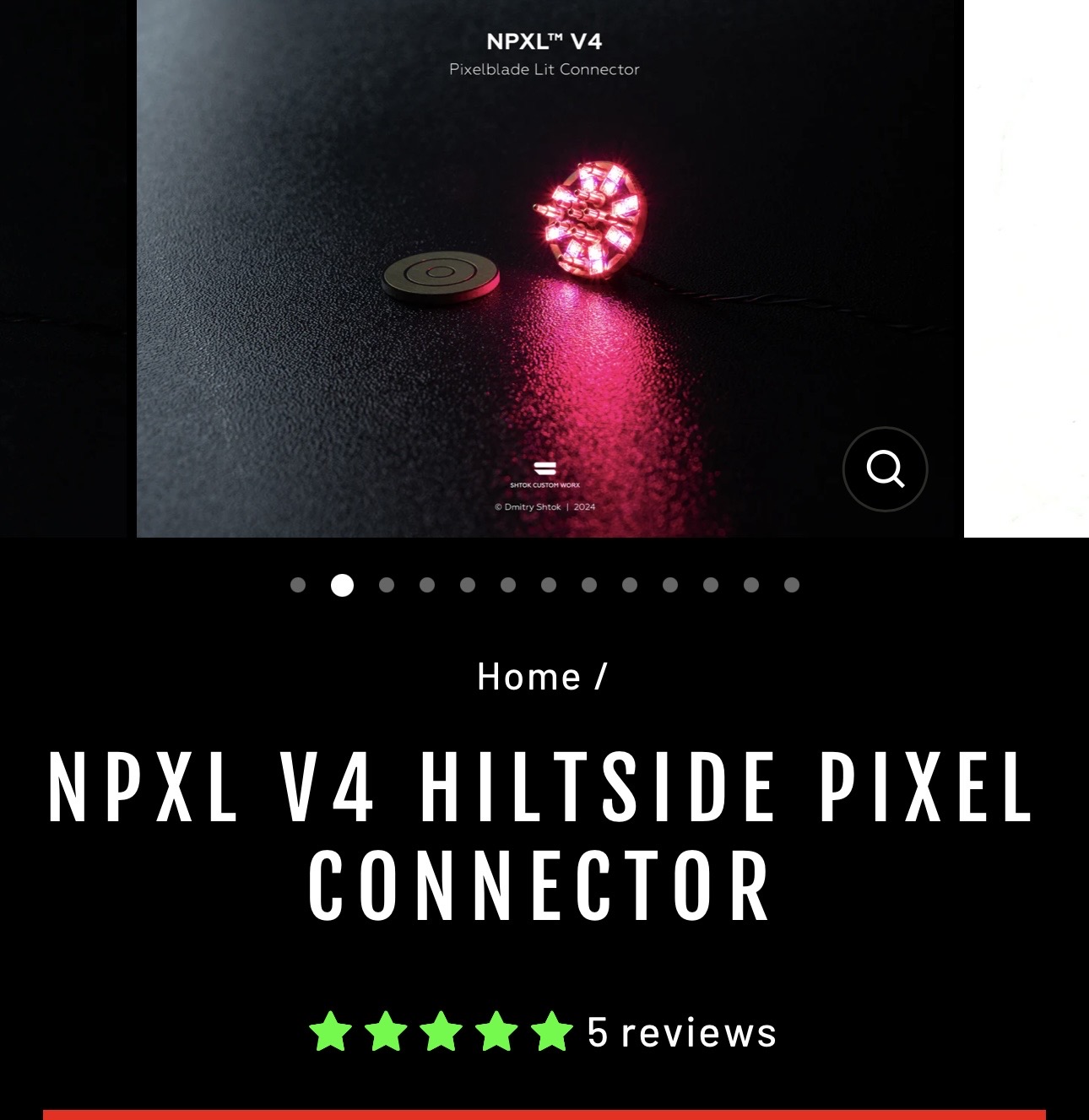
That V4 also has 2 rings.
Are you familiar with these 2 user guides:
check page 5/17 of the NPXL V4 manual, how do you want to wire your PCB:
- option 2 (no need to use the illuminated PCB option in the config generator)
- option 3 & 4 (you need to use illuminated PCB option in the config generator but the config will be correct for option 4, option 3 will require a small tweak to the config)
1 Like
I knew about the connector guide, but I’ll have to read through that Proffie manual. That’s very helpful, thank you.