THE BASIS
Okay, so if you’ve got this far, I’m sort of half-assuming you remember or know that the HEV suit has an on-board voice system that notifies you under certain situations and/or circumstances.
If you do remember any of that, then following along should make things a lot easier. Otherwise, here are 2 videos. The first being the one I based my Python program on alongside my own recordings which offers more situational examples of the suit’s behaviour:
1.
2
(ignore the captions in the video)
All of these sounds & voice lines are like a novelty you become accustomed to eventually. So how do they translate to the prop file? And ultimately what about when wearing the suit? The answer to these 2 questions should become clearer as I explain, so please, follow along!
THE VISION
// default mode //
I planned that the prop file should adopt functionality ProffieOS can already offer. The first mode is just in a default state:
- The user is able to turn the lights
ONandOFF, like a Lightsaber. - They can perform a battery readout when the lights are
OFF, like a Lightsaber. - They they can play the
healthorarmorrecharge when the lights areON, like a Lightsaber’slockuporlb.
Pretty normal stuff if you use a Proffieboard Lightsaber.
// hazard mode //
The second mode is what I’d like to call “Hazard Mode”. It’s fairly similar, in principle, to @Fett263’s Battle Mode where it takes ProffieOS functionality but turns nearly everything into gesture based controls. Hazard Mode should be accessible whether the lights are ON or OFF.
So, in Hazard Mode, health and armor are always in the background. Both have values from 0 - 100, beginning at 100.
Entering and exiting Hazard Mode should save the current health and armor values. Rather than resetting the their states back to 100.
// physical damage //
Damage is divided into two categories, hit and hazard. To trigger physical damage sounds, what we know as “clash” detection can be used, where the amount of force applied will inflict a hit equalling a value between 1 - 50. In my case the board is situated inside the chest piece, behind the lambda logo. Of course, some threshold testing would need to happen to prevent false hits, like when walking.
Just like in-game, after a hit, there is a percentage based chance that an appropriate voice line will play, ie “major fracture detected” will play if a hit value greater than or equal to 25 is registered. (Refer to my Python program’s where I’ve made logic for this. Also check the README where all of this is summarised  I’ll post it here following this post!)
// energy damage //
The other damage type, hazard, is random based, somewhat akin to @profezzorn’s random blaster jam behaviour, so I believe.
As there is no ethical way to alert for real-life hazards, this is what I came up with:
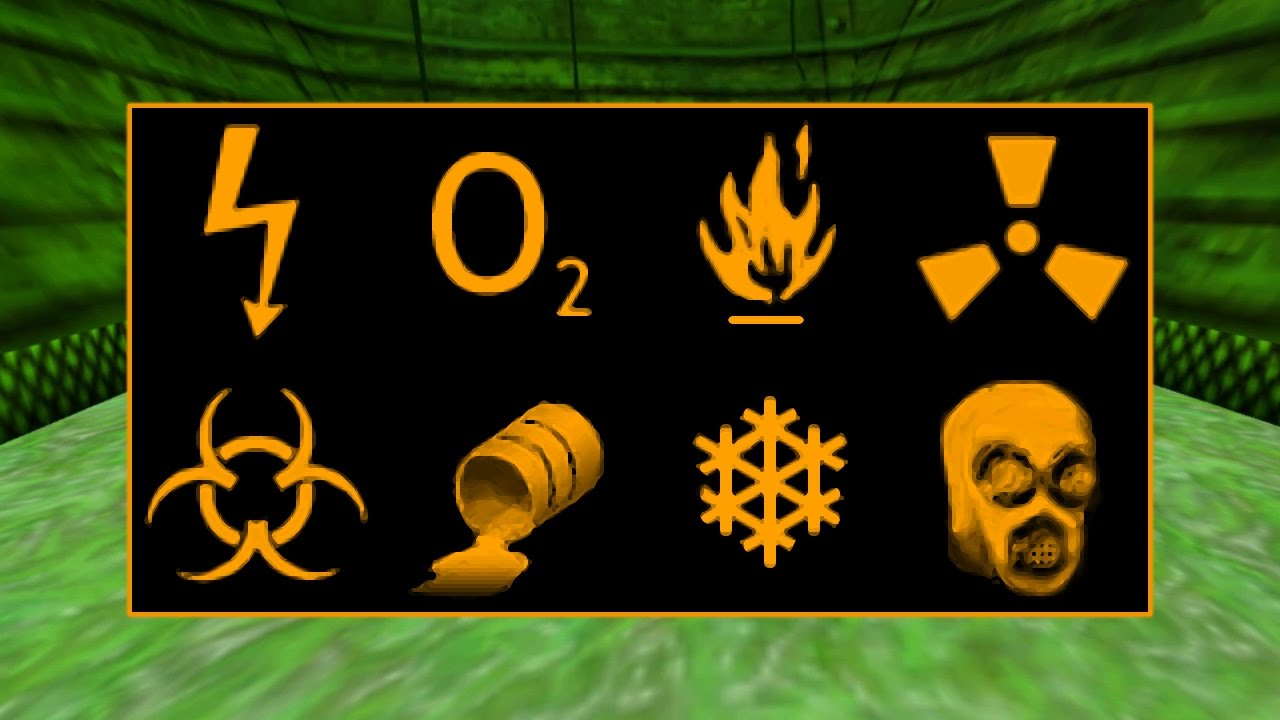
Randomly every 10 - 20 minutes the suit should notify the user that they have encountered/come into contact with a hazard. In-game there are more than 8 different types (refer to video 1) but in my Python program I stuck with 6:
- heat
- shock
- bio
- blood toxins
- chemical
- radiation
It chooses a hazard at random, let’s say it chooses radiation for example, the suit would play the appropriate voice line for radiation.
Hits and hazards will chip away at some armor (if any) and health.
/ /health alerts //
There are more chances of follow-up voice lines to play after the initial one! These also percentage based!
When health is below 50, the suit will sometimes notify you about your current health status, “seek medical attention” can potentially play, or if health is below 6 (as per video 1) “vital signs critical” can also potentially play.
Again, these follow-up voice lines only have a chance of playing directly after an initial hit or hazard voice line has played. By design this is to stop hearing the same lines all too often.
The percentage based chances of all voice lines should be configurable in the top-config in the prop file. Or…brain wave…maybe on-the-fly too? Hmmm.
// healing and repairing //
Nothing will truly happen if both health and armor eventually reach 0, apart from the flatline sfx triggering.
Currently the user is always at liberty to recharge their suit by holding down AUX or PWR respectively. I’ve timed in-game it takes 10 seconds to recharge health from 0 - 100, same with armor.
// quick repair //
Unless you have an OLED screen built into your suit, there is no way to see your current armor value, or health. However in-game whenever you pick up suit batteries, they replenish your armor by 15 and then it reads out your new armor value. The suit always reads in increments of 5% whenever suit batteries are picked up.
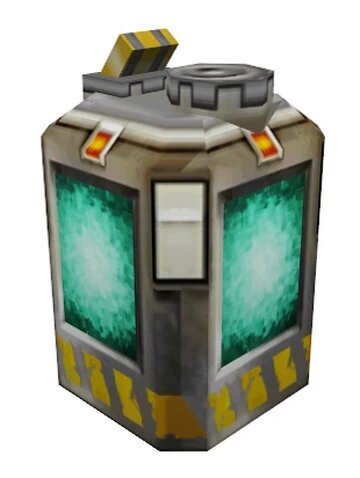
I figured the best way to achieve this function is to x2 click POW to “Quick Repair” the armor by 15 AP. This would be an alternative to holding down POW to repair, but with the benefit of hearing the new armor value at the cost of not hearing the cool armor recharge sfx.
// armor readout //
However, if the user just wants to hear the current armor value (perhaps the user wants to hear the near death voice lines  ) then they would just x3 click POW for the current
 armor readout.
Just for clarity When not in Hazard Mode, x3 clicking POW plays the spoken battery level and it behaves as normal, reading the exact percentage of the physical battery the board is connected to but in the HEV suit voice.
When in Hazard Mode, x3 clicking POW reads the current armor value in increments of 5%, as in-game.
// additional voice lines //
There are some more percentage based voice lines like the morphine shot and additional follow-up voice lines for certain hazard types that can play, but at this point I figure it would be best to post the README from my Python replication which does a better job at summarising the functionality of the HEV suit’s behaviour.
Here’s a snippet of the voice lines that are configured by category:
#---- Additional Voiceline Chances:
# Hit Detected
major_detected_chance = 1.0  # 40% chance
minor_detected_chance = 1.0  # 40% chance

# Hazard Sound Follow Up
health_dropping_chance = 1.0  # 50% chance

# Armor Compromised
compromised_chance = 1.0  # 50% chance

# Health Alerts
near_death_chance = 1.0  # 90% chance
health_critical_chance = 1.0  # 65% chance
seek_medic_chance = 1.0  # 50% chance

# Morphine Shot
morphine_chance = 1.0  # 44% chance
If you’ve read this much, then the README should be much easier to understand.
THE SETUP
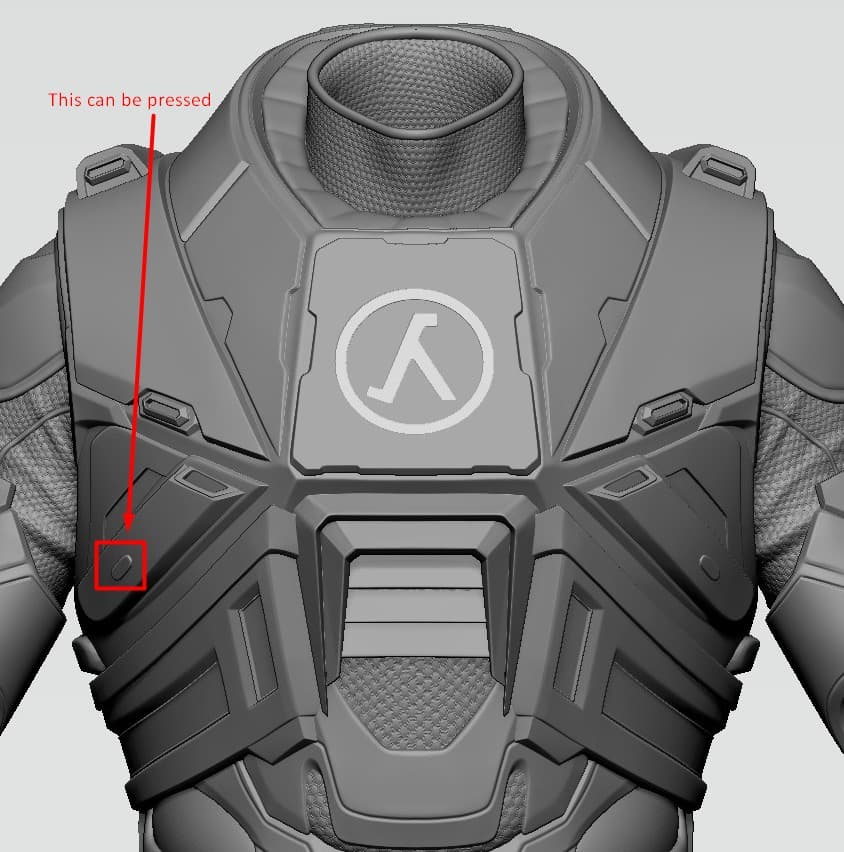
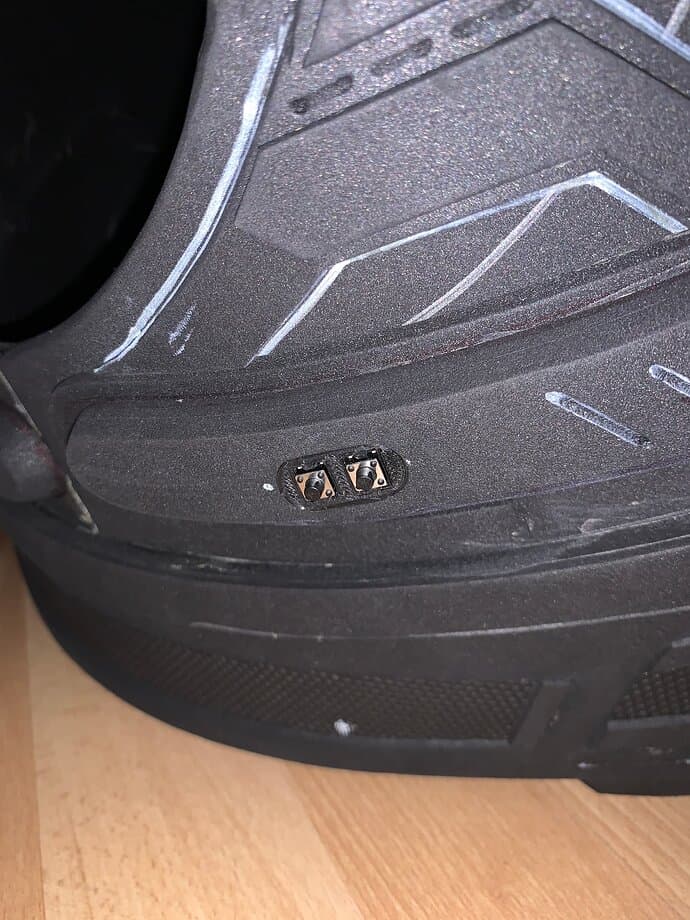
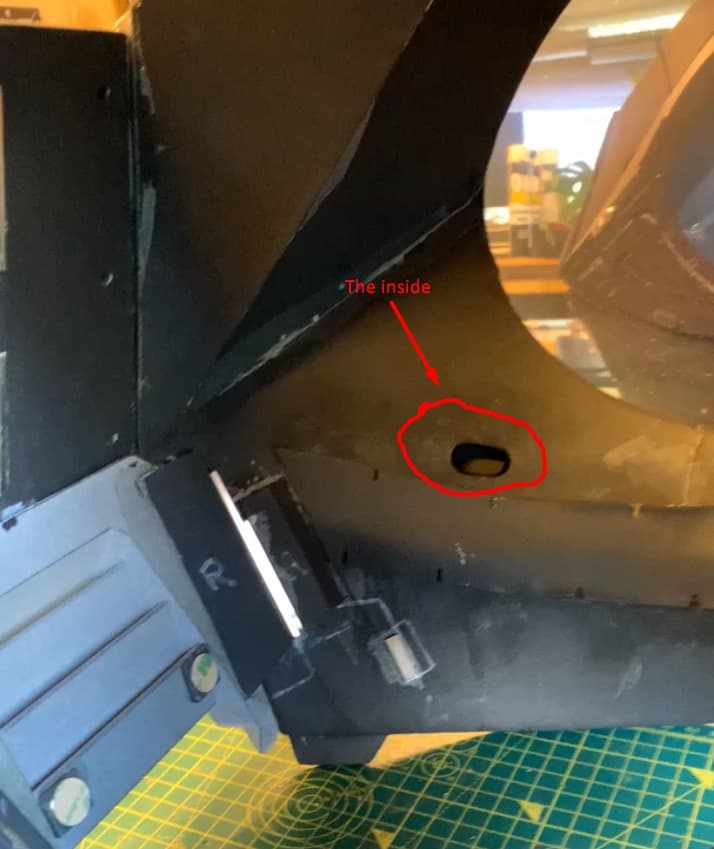
So I mentioned PWR and AUX just a bit ago, myself and @Sabersense decided on a 2-button setup:
LIGHTS AND ACTION
There are 6 lights, with 3 pixel leds inside each. 2 lights on the chest, 2 on the shoulders and 2 on the back.
Summary
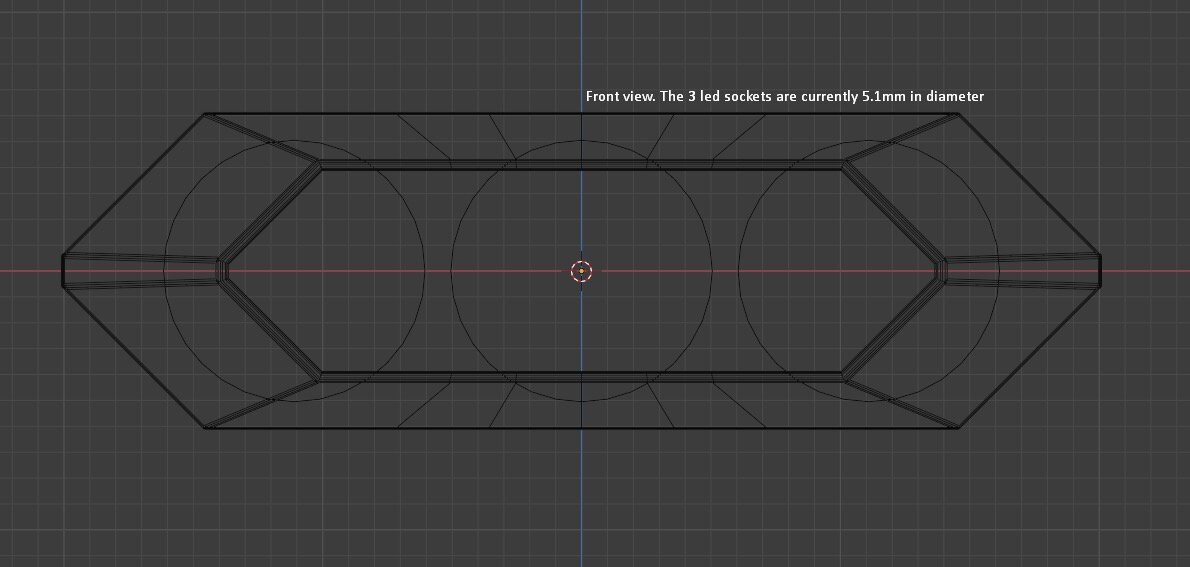
Rear view
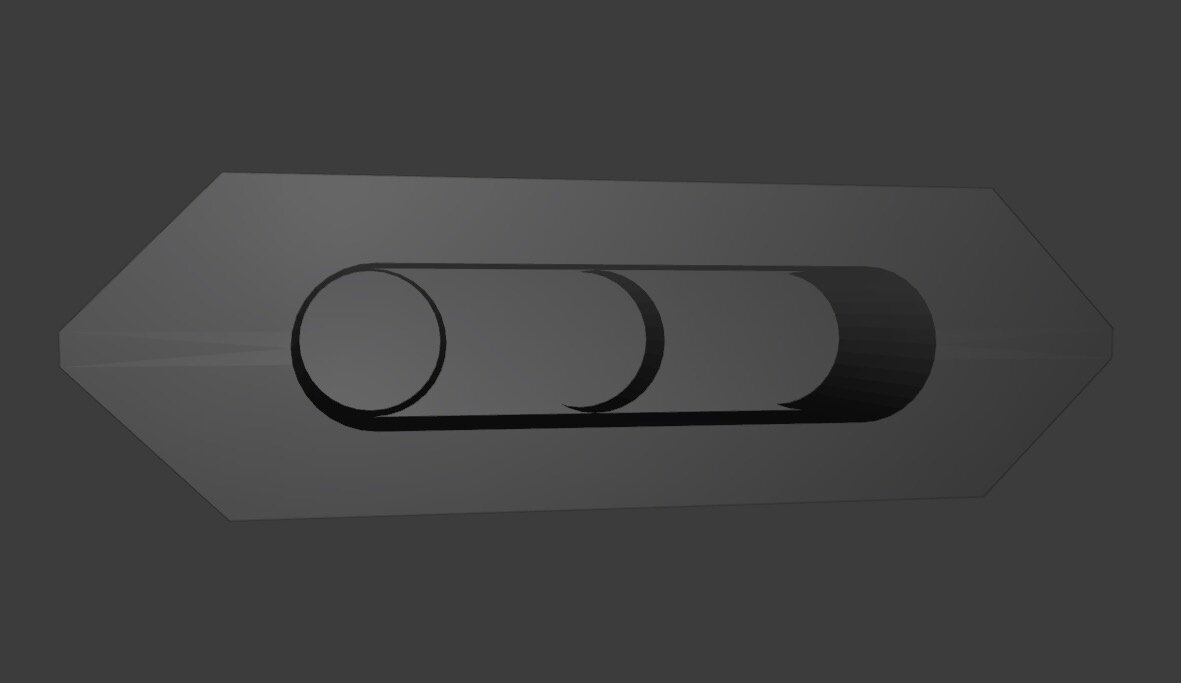
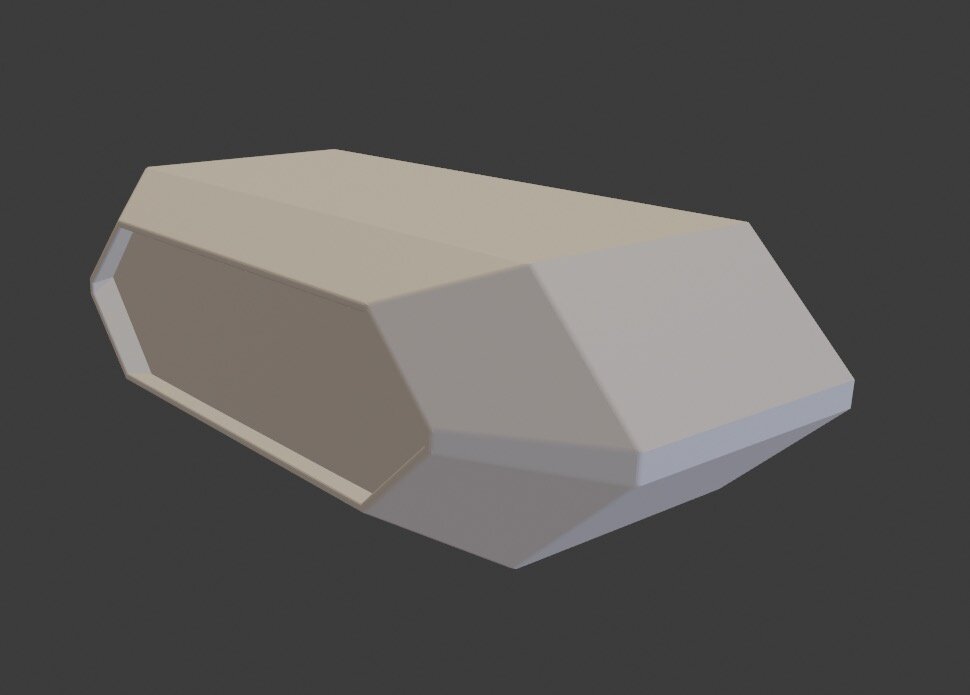
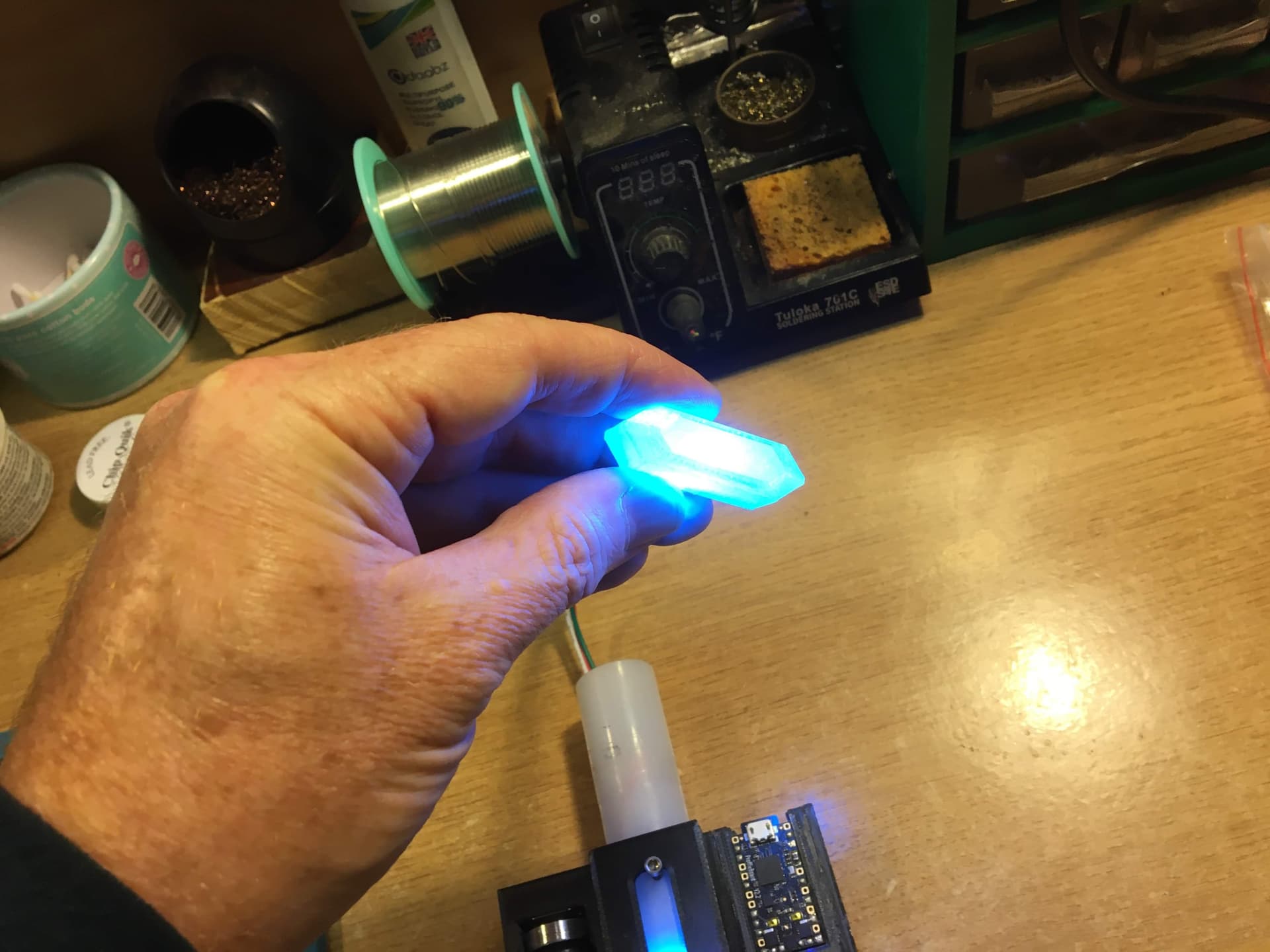
Shoulder light

Just a concept idea to achieve the desired look with some diffusion

(these images have nothing to do with the vision , but just wanted to show a lot of work has gone into the lights)
I havn’t really thought deeply on styles at the moment, although animations have been factored in because of the 3-pixel setup in each light. The only thought I gave to styles was to play some sort of blue and green flowing animation when recharging health and/or armor.
There is a flashlight mechanic in the game. This is where the ON and OFF state comes in.
When ON, the front lights will be a bright beige of sorts.
When
OFF, The 4 on the front just slowly breathing another colour, or something. The 2 back lights could be red like tail lights in ON and OFF state.
Anyway that’s more than enough for one post. Just a couple small notes.
- Note, as per video 1, I havn’t replicated ALL behaviours, like certain hazard types, weapon acquisitions or falling. Just most behaviours.
- Hazard Mode should accessible in either
ONorOFFstate. (think I already mentioned that, this has taken me a while to write up.)