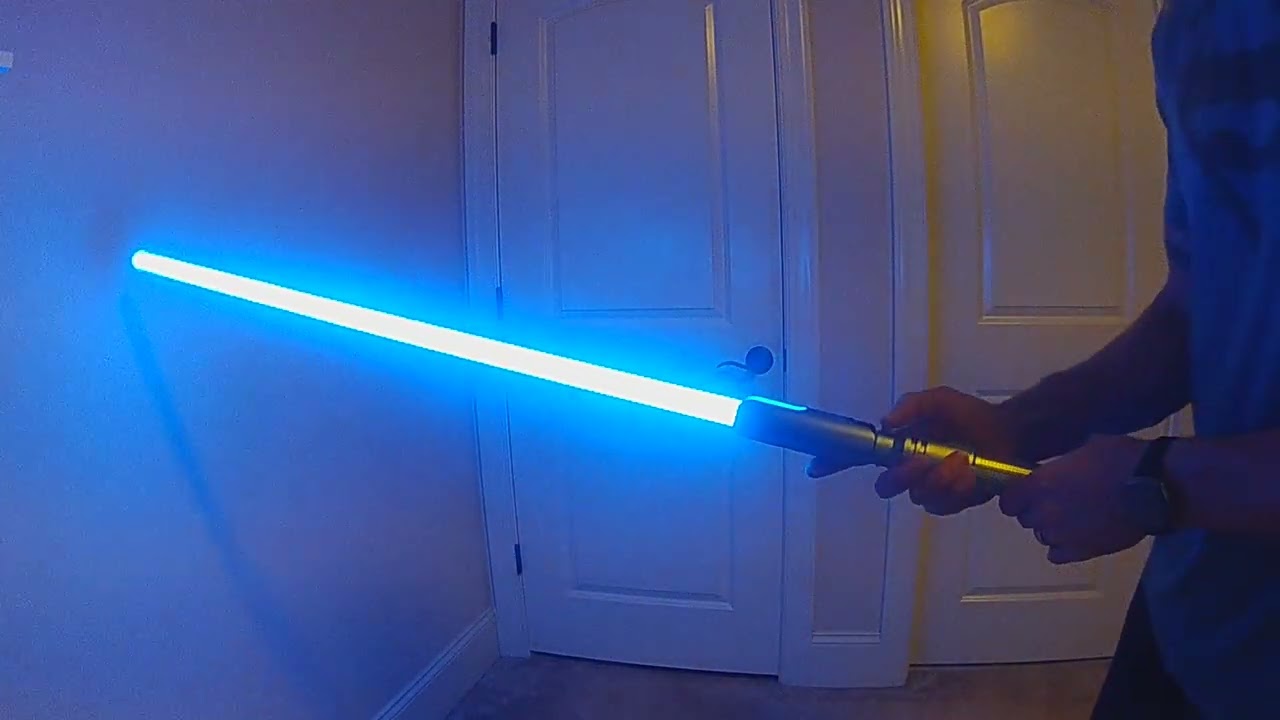
Hi, my favorite font is the Dooku font “Duke.” I found the poweron.wav folder, and I want to make it so when I turn on the saber with the preon where he says “it’s obvious this contest can’t be decided with our knowledge of the force,” it then plays the ignition sound and he says, “but by our skills with a lightsaber.” I found the poweron.wav file in the extras folder where he says this.
I am not completely sure what you are after, but the sound “boot.wav” is what plays when you power it on. If you duplicate and rename the sound you want to boot.wav, it should do what you want. The other sound would be preon.wav or out.wav, I believe.
edit: Here’s ateaser reelso I’m sure of what you meant. Ideally for use with the power button. You can hear the short pause in the changeover from boot to preon.
Here’s how I would accomplish what you’re thinking.
*You’re referring to the font DUKE by K-Sith correct? Asking because I have it too. boot3 correct?
You’re going to want an audio app like Audacity to split the entire quote into two sections. Be sure you mirror the amount of time that is dead space in the before and after where the main audio plays in the wav file when you split it out into two quotes so the now two components “play clean”. These will become boot5 and preon, continue reading.
From there you’ll want the first part of the quote renamed as boot.wav and either remove or disable // out the beginning of the existing boot.wav. So long as you use the kill switch when initiating this action it will play what you want. Then using Audacity add the second part onto your preon.wav and be sure to remove or // out your old preon.
Now just run the remainder of the quote as your preon. It’ll play just before your out.wav and you’re all set.
Upon activating the kill switch, so long as the preset is correct, it will play the first part of the quote as your boot.wav sound. Then when you turn the blade on the preon.wav will play the remainder of the quote first, then your out.wav for the blade ignition.
Post the bladestyle so we can take a look. Ideally share (privately so as to not violate any fontmaker rights to the sound files) the sound files you end up with so they can be properly timed for the combined out function.
Make sense? Lemme know and I’d be happy to put together a quick demo video (clip).
I gotcha, however I was thinking more the ignition sound would come on, and then the rest of the quote would play. I already have a .wav file like that.
Also what I was thinking was that the ignition would function similar to the preon, where I activate the saber and it plays the sound, but if I point it up, I bypass the sound and it plays a regular out.wav file.
All of this is possible with a little creative font sound editing.
The tricky part is the up/down thing, which may need some special code in the prop. Some existing props have support for doing different things when you power on pointing up/down, but I’m not actually sure if it can be used to do what you want. You can ask the individual prop makers, @Fett263, @NoSloppy, @Sabersense to see if they have anything that matches what you want.
Then set out01.wav as regular ignition, then set out02.wav as the ignition and the quote added to the end of the wav file. Then pointing down with use the sound with quote in it and up will just play normal ignition. You can also set up separate ignition effects for Dual Mode Wipe in my library if you wanted one of the ignitions to be faster and one to be slower.
A second option is using Special Abilities 5 ~ 8 as “Play Sound + Ignite”, then you can use one of the OFF Special Abilities to trigger a quote.wav and then ignite and use regular On button for normal ignition. This is available via my library but will require my prop.
If I’ve understood it correctly, what you want is:
Press the button to light blade;
We hear Dooku say, “It’s obvious this contest can’t be decided with our knowledge of the force…”
The blade lights,
Then Dooku says, “…but by our skills with a lightsaber.”
It seems to me the easiest way to do this is simply to have the first sentence as a preon, i.e. it plays automatically before the blade ignites, then once the blade is lit, play the second quote using the quote player feature.
So for example if you were using the Sabersense prop file, you would do a short click to light the blade, then once the blade is lit, do a quick double click to play the quote. If you only have one quote file, obviously the correct quote will play, but if you want multiple quotes still available, it can still work because my prop plays quotes sequentially rather than randomly, i.e. quote1.wav plays first, then quote2.wav etc. Which in turn means you can stack quotes to almost have a complete conversation.
Another alternative is the build the two quotes with a gap. So you would:
Double click with the blade off - this would set the quote running and you’d hear the first line:
After the first sentence you would light the blade normally (single click)
The second sentence would then follow because it’s part of the single quote file you set off before you lit the blade because there’s a gap between quotes of, say, three seconds or however you build the wav file.
All of that said, if you wanted to automate it so just lighting the blade does everything, then I think it probably would need some prop file tweaks, which gets a little more involved, but should still be possible.
For the up/down thing, as standard my prop plays quote.wav files sequentially pointing up, and force.wav files randomly pointing down. So if you went for doing it all with quote files and no preons, you have complete control over what happens when just by button presses and hilt angle without being locked in to pre-programmed automation.
I guess basically what I’m saying is there are quite a few different ways to skin this particular cat!
I do this exact thing for Dooku preon and ignitions.
Just pair them
ProffieOS.SFX.preon.paired=1
You mix the “response” phrase into the out.wav numbered the same as the preon with the first part.
need the same number of files of each, preons and outs, for pairing to work.
Rename any non-vocal mixed out.wavs that you want to use when skipping preon (holding up, gesture ignitions etc…) to fastout.wav