Hello
I need help setting up sound fonts for my lightsaber.
I’m building a Cal Kestis lightsaber myself using a Proffie 2.2 board, purchased components, and now I’m ready to flash the firmware.
I’ve updated the board to the latest ProffieOS 7.15 firmware. I created and used a config file with the “Jedi Survivor” theme from https://fett263.com. I also downloaded a pack of sound fonts for the Proffie-based lightsaber, but I couldn’t find instructions on how to link the sound folder to the lightsaber config file.
I’d be very grateful if someone could share such instructions with me or at least briefly explain what I need to do.
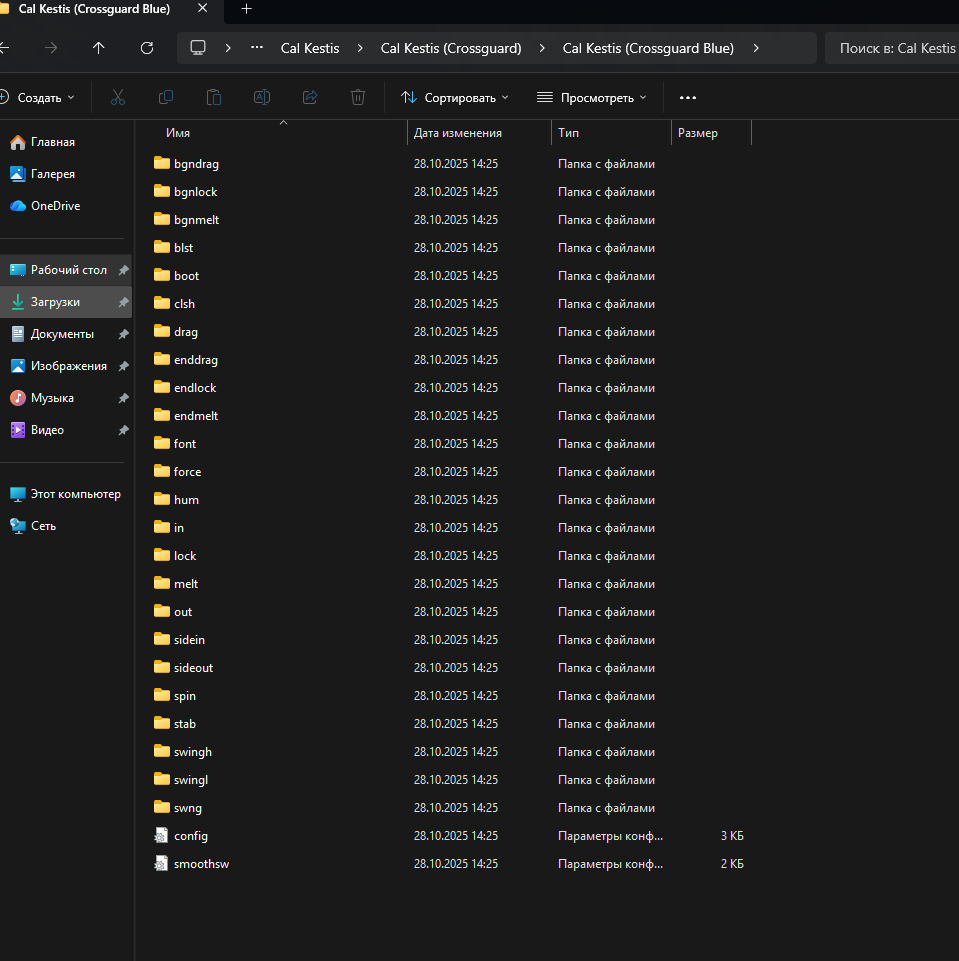
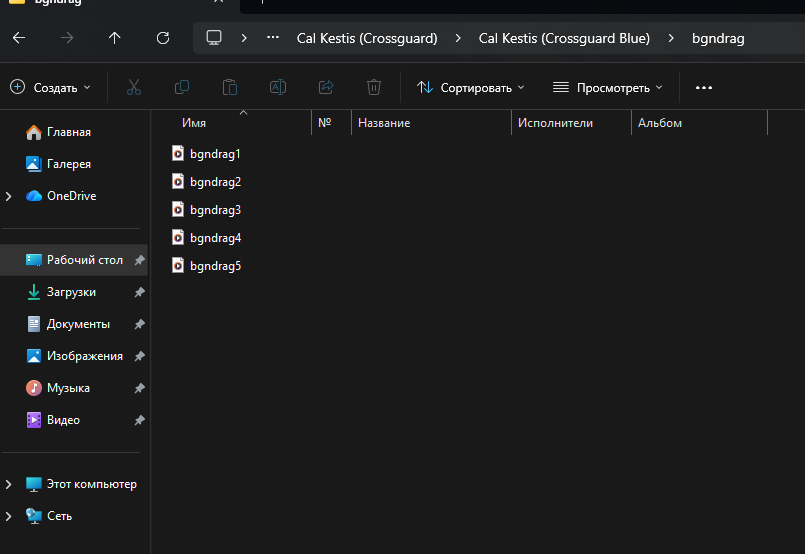
For more visual examples, I’m providing my config file config(test).txt (13.6 KB) and screenshots of the sound folder so you can see what format they’re in.
The downloaded sound folder looks different from the standard one offered at ProffieOS.
The standard folder contains only sound files.
In the folder I downloaded, each sound has its own folder and several variations.