The comment next to it literally indicates that mseting2 has no pause.
metting has a 1 second pause at the beginning to allow for FETT263’s Edit Mode because it fires an ignition or something at the same and needs room to allow that to settle down before speaking so as to not be overlapped.
1 Like
Somehow (just like “Palpatine returned”) I ended up with some voice prompt files in my voicepack collection with a rate of 48000 instead of 44100.
I ran all the files, 8 or 9 voicepack at a time (I named the folders pack 1 to 8), through
https://www.soundfontnamingconverter.com/
(Convert Audio Only option)
This is a list of only the files that got converted combined in one file:
_Audio_Conversion_Log_pack1.to.8_errors_only.txt (45.2 KB)
My common voicepack is ProffieOS_V2_Voicepack_Din_Djarin, I remamed the folder to “Voicepack_Din_Djarin_V1_V2” because I kept the older files from the original “v1” ProffieOS_Voicepack_Din_Djarin. Same for any folder with “V1_V2” in the name.
Interesting to note, the folder Voicepack_Luke_ROTJ_V2 had files that produced “Audio conversion failed for: Voicepack_Luke_ROTJ_V2/…wav - undefined” for many files. When I re-ran my Voicepack_Luke_ROTJ_V2 folder alone (not as part of an 8 to 9 “pack” group of voicepack folders, I got the same errors on the same files, around half-way through I start getting the “Audio conversion failed for: Voicepack_Luke_ROTJ_V2/…xxx…wav - undefined” error.
This is the copy/paste of my console log:
Luke_ROTJ_Browser_Errors.txt (6.3 KB)
I downloaded fresh copies from the links above for v2_din_djarin & v2_luke_rotj and run them again through the soundfontnamingconverterand all the files came back as “Audio: …xxx…wav is already good to go.”
@NoSloppy I kept my folder with the “error giving” luke_rotj files in case you would want to run some tests on it. Let me know. Or if you’d want me to run it again after the next soundfontnamingconverter update.
Just to be clear, I don’t think there is anything wrong with any of your above voicepacks, I must have messed something up at some point with my files, I just don’t know what/when/how? I certainly didn’t create any 48000Hz versions of so many of your 44100Hz files intentionally.
MTFBWY
If the links are all good to go, there’s nothing for me to do (yay!)
1 Like
So do you care if I delete my Luke_ROTJ folder with the files “that couldn’t be converted” ?
Edit:
I never said that ALL links are “good to go” but only the two that I re-downloaded have nothing wrong with them. I didn’t re-download the rest. 
If you want to send me a few of the wavs that couldn’t be converted, I’ll take a look, but I’m just saying that it simply seems like you had a partial/corrupt/something bad download.
None of the files are 48000 for example. There may have been a few straglers, but I’ve cleaned that all up.
So I don’t know when you downloaded the ones you have, but for any that don’t work, a fresh DL should fix you up.
can we get Kyle Katarn and Galen Marek
These are popular requests. Can you find me a source of voice lines from Kyle katarn? Who do you hear when you think of his voice?
Jedi Outcast.
As opposed to Dark Forces? There are like at minimum 3 different voices I see so far.
Well here’s where the Kyle voice samples are at:
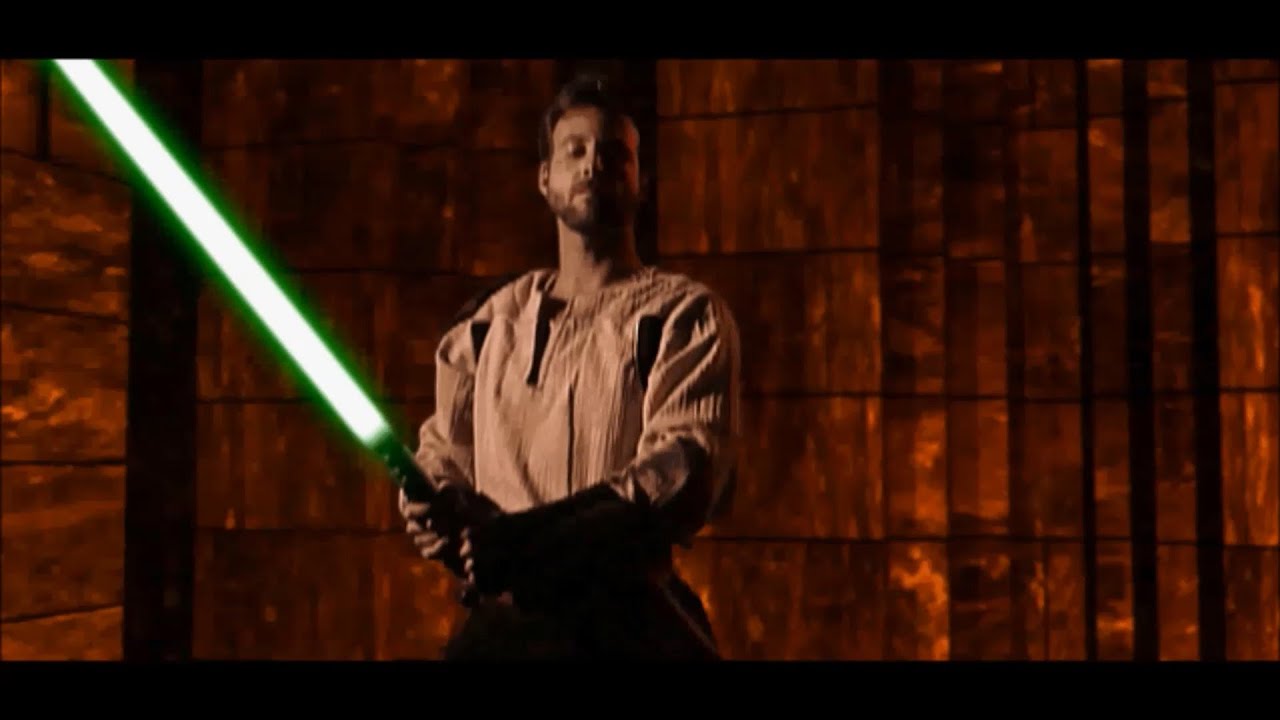

As far as The Force Unleashed samples they’re essentially Sam Witwer so yeah, choose which cutscenes to pull from I guess. *Note I use Yao’s videos since he honestly has the most sets, 20 there, listed and this should take you to the option to select from all of them.
1 Like
all these are great i think jedi knight jedi outcast is the more recognized of him
Agreed, Jason Court did a really great job, especially for when the games came out.
Also the first one with higher quality sound. DF barely had any and by DF2 soundcards were just about starting to get used as norm.
Just to confirm, if I dump the contents from a common folder into the font root and still reference ;common it will use the sounds from the root before using the ;common?
Correct
More characters
1 Like
So I could reference ;common on all presets, and on the fonts I have the common files in the root those sounds would be used allowing font specific voices?
Correct.
Any sound found along the font search path gets used first, and subsequent finds in subsequently searched directories are ignored.
So to override the sounds in common when the font search path is
Font;common
sounds you put in the font folder take priority.
1 Like
If I understood this thread: alt00N voicepack error - #6 by profezzorn correctly, you can, now, also have an “mnum” subfolder in your font folder where you put all the voicepack sound files.
You would need the latest OS8.x from Github master.
But this would keep your font folder “cleaner”.
Edit: I crossed out the incorrect sections because this is not how it works. Sorry for the miss-information.
1 Like
Good to know, thank you!
1 Like